


Get the film look instantly.
Turn footage from any camera into cinematic videos fast with EMUL8 Film Emulation for Final Cut Pro & DaVinci Resolve
Built by
Christian Maté Grab
 I’m a YouTube filmmaker with a passion for capturing moments and visual storytelling. I’ve worked with brands like DJI, Canon, Musicbed, SmallRig and many more on campaigns and short films over the last few years.
&
Eric Lenz
I’m a YouTube filmmaker with a passion for capturing moments and visual storytelling. I’ve worked with brands like DJI, Canon, Musicbed, SmallRig and many more on campaigns and short films over the last few years.
&
Eric Lenz
 As a professional colorist I build color grading plugins and teach color science online, helping thousands of creators bring their vision to life.

Dylan Bates
"EMUL8 is by far the most intuitive color grading plugin I used in Final Cut Pro..."

Brad West
"EMUL8 is the fastest and most easy-to-use film emulation I've ever worked with."

Dylan John
"I gotta give you guys big props on EMUL8! It's so freaking good!"
Trusted by 54,000+ Creators & used in Videos for


Trusted by Filmmakers & Creators across the globe.
What our customers say

Bruno
The look I was chasing for years
I’ve tried tons of LUTs for my Sony FX30 and nothing came close. I'm now literally just using one of your LUTs (the Vision3 display lut) on EVERYTHING 😄
Dylan Bates
Exceptional!
EMUL8 is exceptional and by far the most intuitive color grading plugin I used in Final Cut Pro...
Dylan John
EMUL8 Film Emulation
I gotta give you guys big props on EMUL8! It's so freaking good.

Tim
Thanks Chris!
I would like to say thank you for this amazing pack! I have many of your presets and they are awesome, your products are simply the best! Happy new year Chris!

Johannes
Love your Master Bundle
Thanks for this amazing collection Chris. Film transitions are sick, luts work perfectly with my canon lineup..love the pack!
Jack
Great LUTS for my Sony!
Hope you're well mate! I can't say how amazing your LUTs are, they've improved my work since I bought my a6500 so much. Thank you!

Spencer
Best LUTs for my Canon R5
Tried several lutpacks before, then got your Canon R5 LUTs a few months ago... To be honest since then I am only using your R4.cube on EVERY project :D oh and thanks for the bonus sound effects!
Eliah
Your LUTs saved me so much time...
Yo! Just got my hands on your lut collection for an music video i'm editing rn..just had to do minor adjustment on some of my footage but overall it saved me about 3 hours of manual color grading. keep going man!

Tony
Yooo these work with my ZV-E10 👌🏼
I bought your LUT bundle and wow, it was a game changer. My Sony ZV-E10 footage finally looks cinematic without hours in post. Super easy to use, zero regrets. Keep these packs coming!
Color Grading made easy.
My name is Christian Maté Grab. I'm a german-based Youtuber Filmmaker & Designer with a passion for the outdoors and capturing moments. Since 2016 I'm sharing my travel films and photographs of my everyday life as a full-time creative with an worldwide audience of over 330,000 creators.
On CINEM8.CO you'll find all my Color Grading and Video Editing assets I use to create stunning visuals for brands, clients and myself.
Shop all products
FAQ
Here you can find the most asked questions about my Color Grading products, Presets and Bundles for Filmmakers.
What is a LUT?
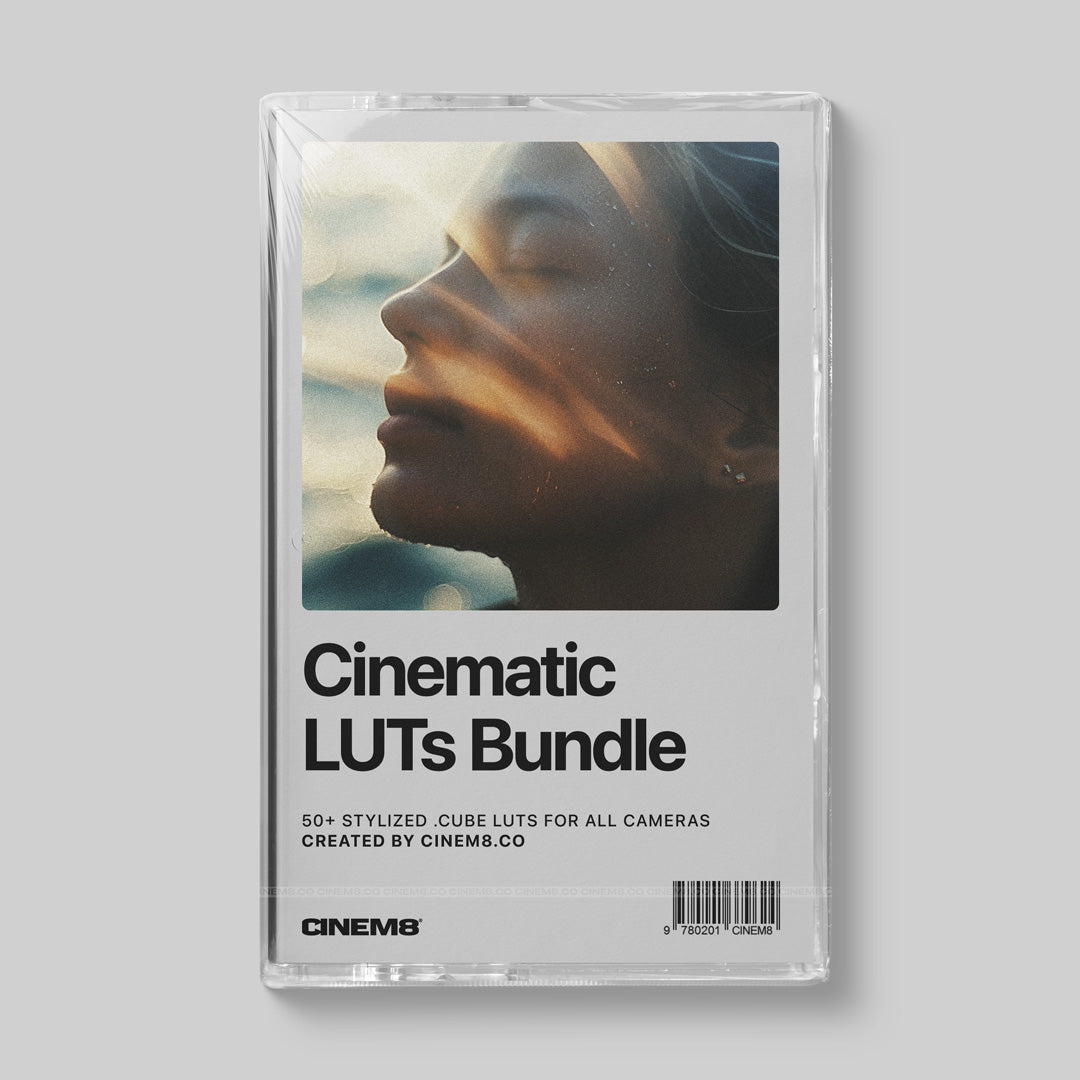
LUTs (.cube or .3dl files) are preset color profiles for color grading video footage in programs like Premiere Pro, Final Cut Pro, and DaVinici Resolve. You can also visit THIS PAGE to learn more about LUTs in general and how to use them.
How can I convert a LUT (for my camera or monitor)?
We created a Free Online LUT Converter that lets you batch convert any .cube or .3dl LUT to any grid size. For example: Your color grading LUT is 65x65x65 and does not work on your Atomos Ninja? Just convert it to 33x with the converter. It's completely free, you can use it here: Free Online LUT Converter
How to install a LUT?
You don't have to install a LUT. You can simply import it into your video editing software as an effect or add it to an adjustment layer.
How to use a LUT in Final Cut Pro X?
In FCPX search for "Custom LUT" in your Effects Browser to add the effect to your footage. Then select your LUT from the dropdown menu on the right side. You can also use a third party plugin to add a LUT to your footage.
How to use a LUT in Premiere Pro?
Select the clip or adjustment layer you want to add your LUT to, then open up Lumetri Color and select your LUT file in the "Basic Correction" or "Creative" Tab.
In which programs can I use LUTs?
You can use my 3D .cube LUTs in any video editing software like Final Cut Pro X, Adobe Premiere Pro, DaVinci Resolve or any other software that supports 3D LUTs.
How do I install Lightroom Presets?
On Lightroom Desktop, simply add the presets by clicking the "import" button after opening up the presets panel on the right side of the screen. Your presets get synced automatically to your mobile version of Adobe Lightroom.
Can I use your Presets on JPG photos as well?
Yes, you can - But you will get the best results if you are shooting in RAW.
My photos look blown out or completely off color
Make sure to play around with the following settings in Lightroom to get better results: Exposure (if your photo is too dark or bright) or Temperature (If your photo is too cold/blue or warm/orange).
Do I need the latest version of Lightroom?
Yes, you should always keep your version updated to make sure that my Presets work.
Where can I download my files?
Once you completed your purchase and the order is paid you can find your download link on the confirmation page as well as in the email sent to you after purchase.
I did not receive my downloads
Please check your spam folder. Every order gets processed automatically after successful payment and an confirmation email with the download link gets send out to you. Also you can login to your account if you created one at checkout to access your downloads.
Do you offer refunds?
We do not offer refunds on digital products because once purchased they cannot be returned. I'm here to answer any questions beforehand. You can also contact me directly at store@christianmategrab.com
Blog posts
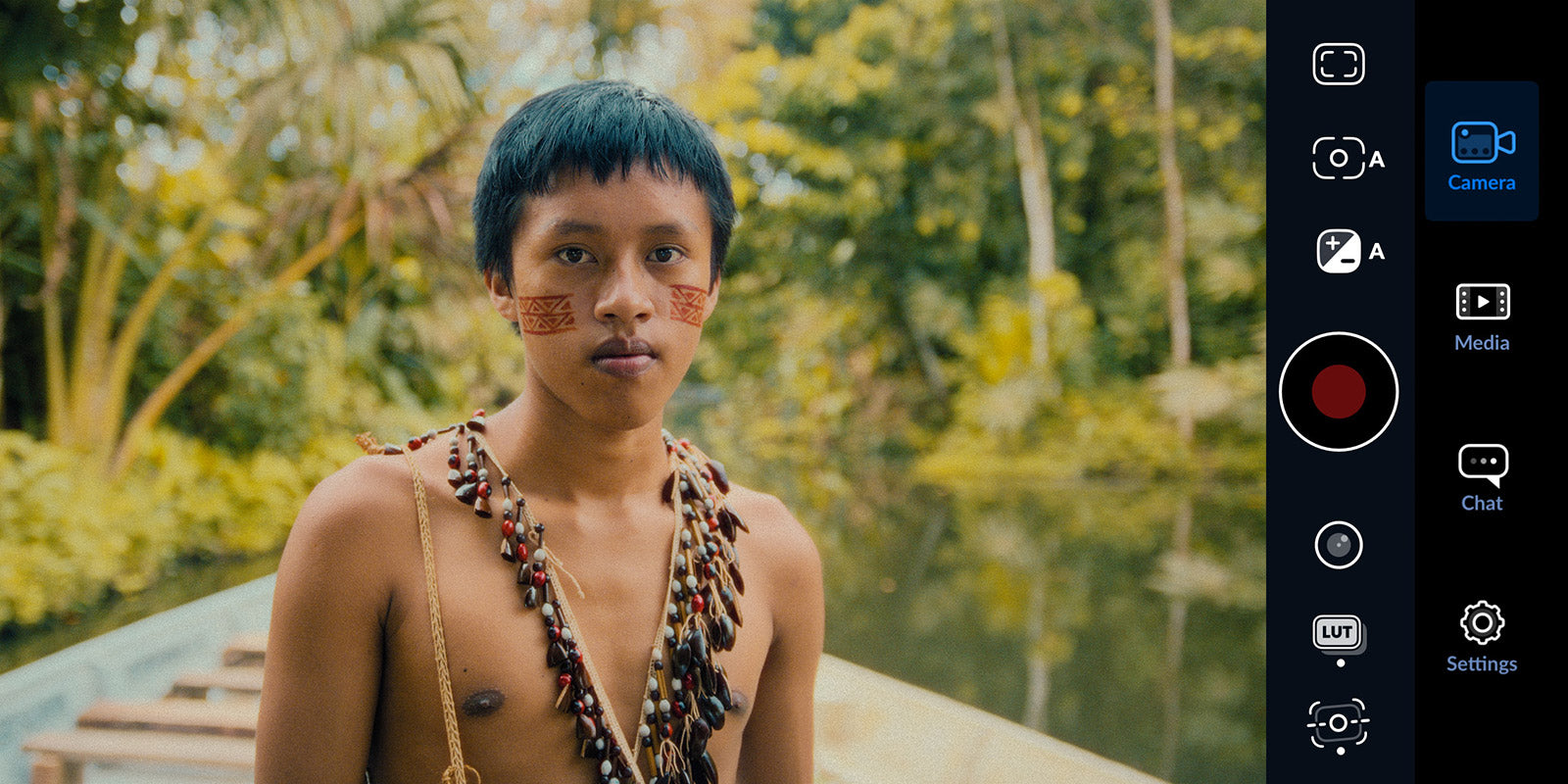
iPhone Camera Settings for Cinematic Videos: The Complete Apple Log Guide
If you shoot video on your iPhone and it never looks as good as what you see online, the reason is probably one thing: you are not shooting in Apple Log (or Apple Log 2). Here is how to fix that, ...
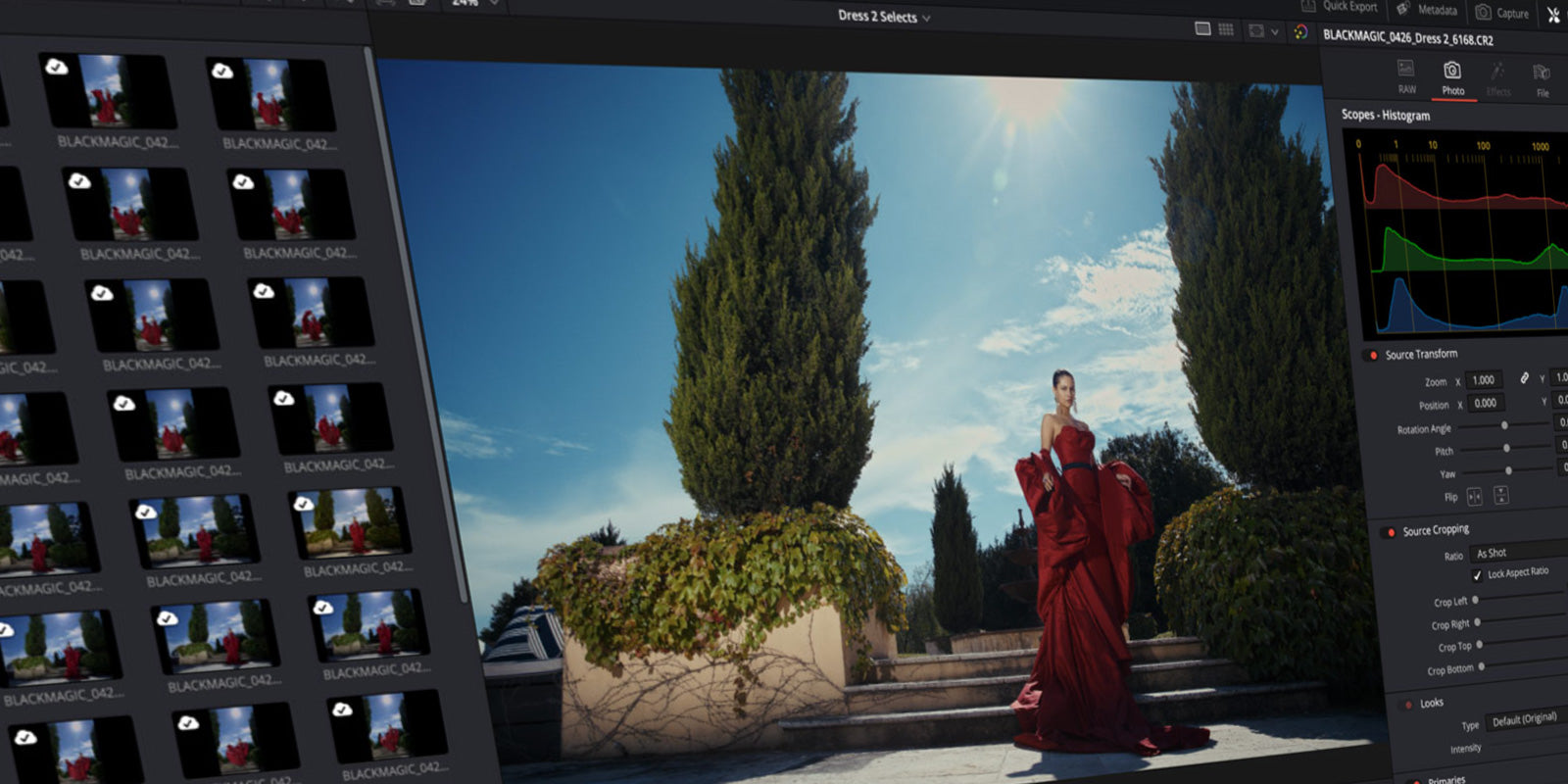
DaVinci Resolve 21 gets a Photo Editor? This changes everything for Hybrid Creators.
Blackmagic Design just dropped a huge announcement at NAB 2026. DaVinci Resolve 21 is getting a brand new Photo page, and it might be the most significant update the software has ever seen. For hy...

Film Emulation for Final Cut Pro: How it works + best Plugins
If you've ever looked at a shot you filmed and thought "it looks fine, but it doesn't feel like anything" you're not imagining it. Digital footage is technically clean. And that's exactly the prob...