


Make every shot feel like cinema.
EMUL8 brings Film Emulation and Color Grading into one plugin.
Built on rock-solid color science that works with any camera, from cinema line to iPhone.
 Get for Final Cut Pro
 Get for DaVinci Resolve


Loved by 4000+ Filmmakers
Benjamin
It's basically Dehancer but 90% cheaper
Michal
Oh yes, every new update is amazing!
Simon
This really changed the way I color grade...
Wendy Dunham
Thank you for making this plugin, it’s awesome!
Studio4to1
Apple needs to hire you. Now.
Built by
Christian Maté Grab
 I’m a YouTube filmmaker with a passion for capturing moments and visual storytelling. I’ve worked with brands like DJI, Canon, Musicbed, SmallRig and many more on campaigns and short films over the last few years.
&
Eric Lenz
I’m a YouTube filmmaker with a passion for capturing moments and visual storytelling. I’ve worked with brands like DJI, Canon, Musicbed, SmallRig and many more on campaigns and short films over the last few years.
&
Eric Lenz
 As a professional colorist I build color grading plugins and teach color science online, helping thousands of creators bring their vision to life.
Trusted by 54,000+ filmmakers & used in videos for


"EMUL8 is by far the most intuitive color grading plugin I used in Final Cut Pro..."

"EMUL8 is the most easy-to-use film emulation I've ever worked with."

"I gotta give you guys big props on EMUL8! It's so freaking good!"

Nobody cares if you spent 8 hours color grading your video.
What your audience remembers is how your video made them feel. I learned that in over 10 years of filming for my own YouTube channel and for clients like DJI, Musicbed, Canon, Sony and many more.
Too many tools and effects, too many hours in the grade and still not happy with the results. So I built what I wished I had. LUTs and presets first, then together with colorist Eric Lenz our own Film Emulation & Look Development plugin EMUL8.
Today 54,000+ filmmakers use them to get to their final grade faster. So their time goes into what matters: Telling stories people remember.

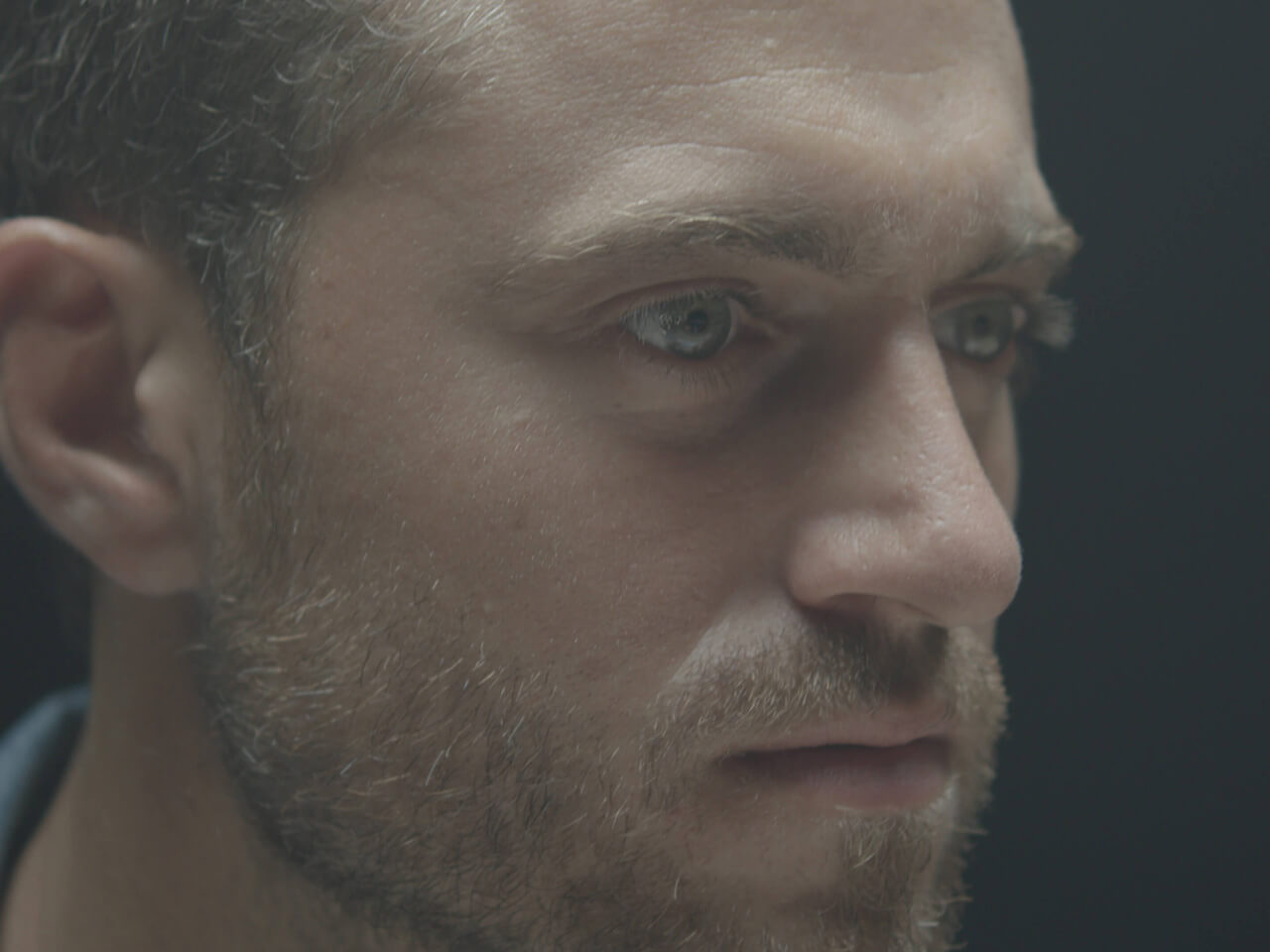
log

EMUL8

REC.709

EMUL8

log

EMUL8

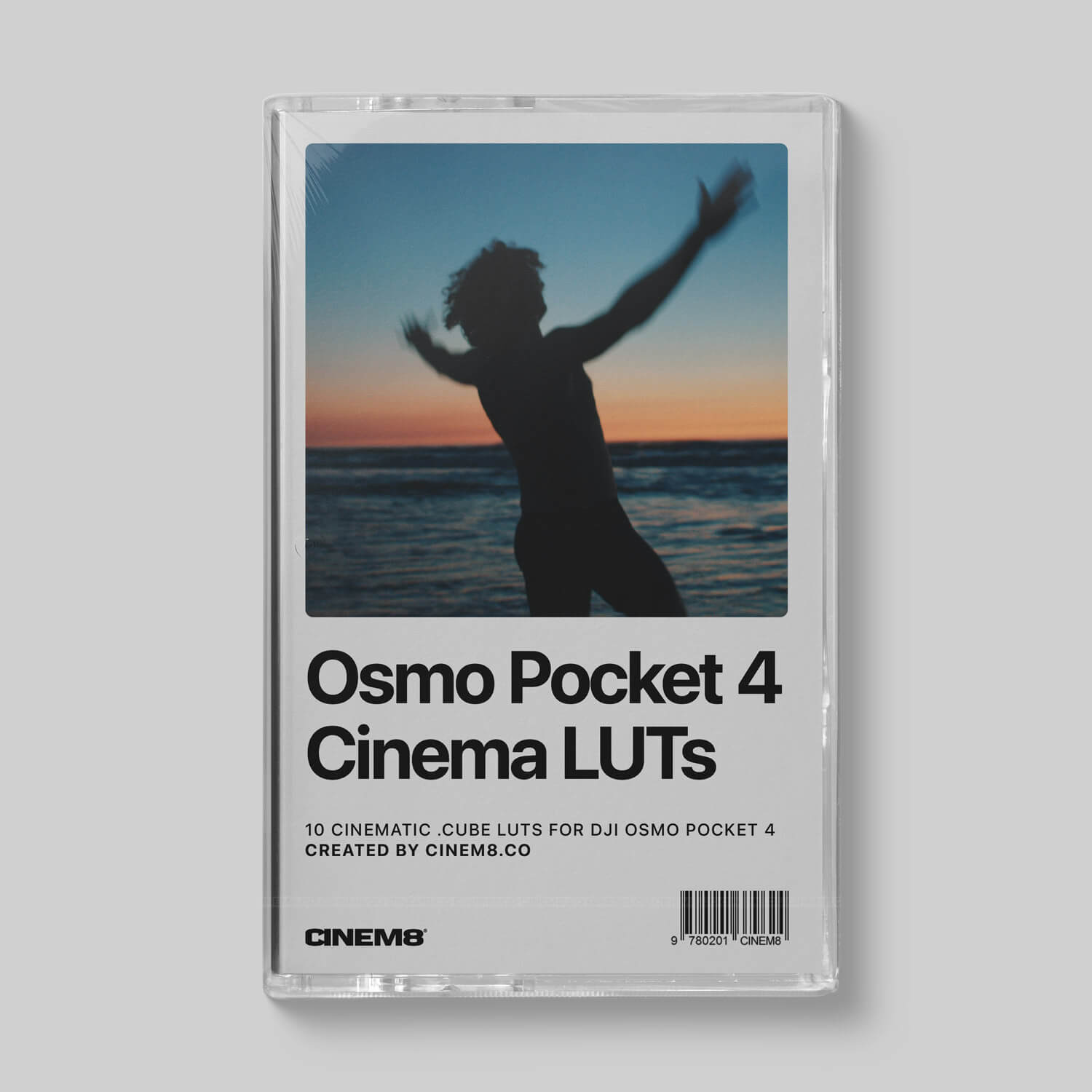
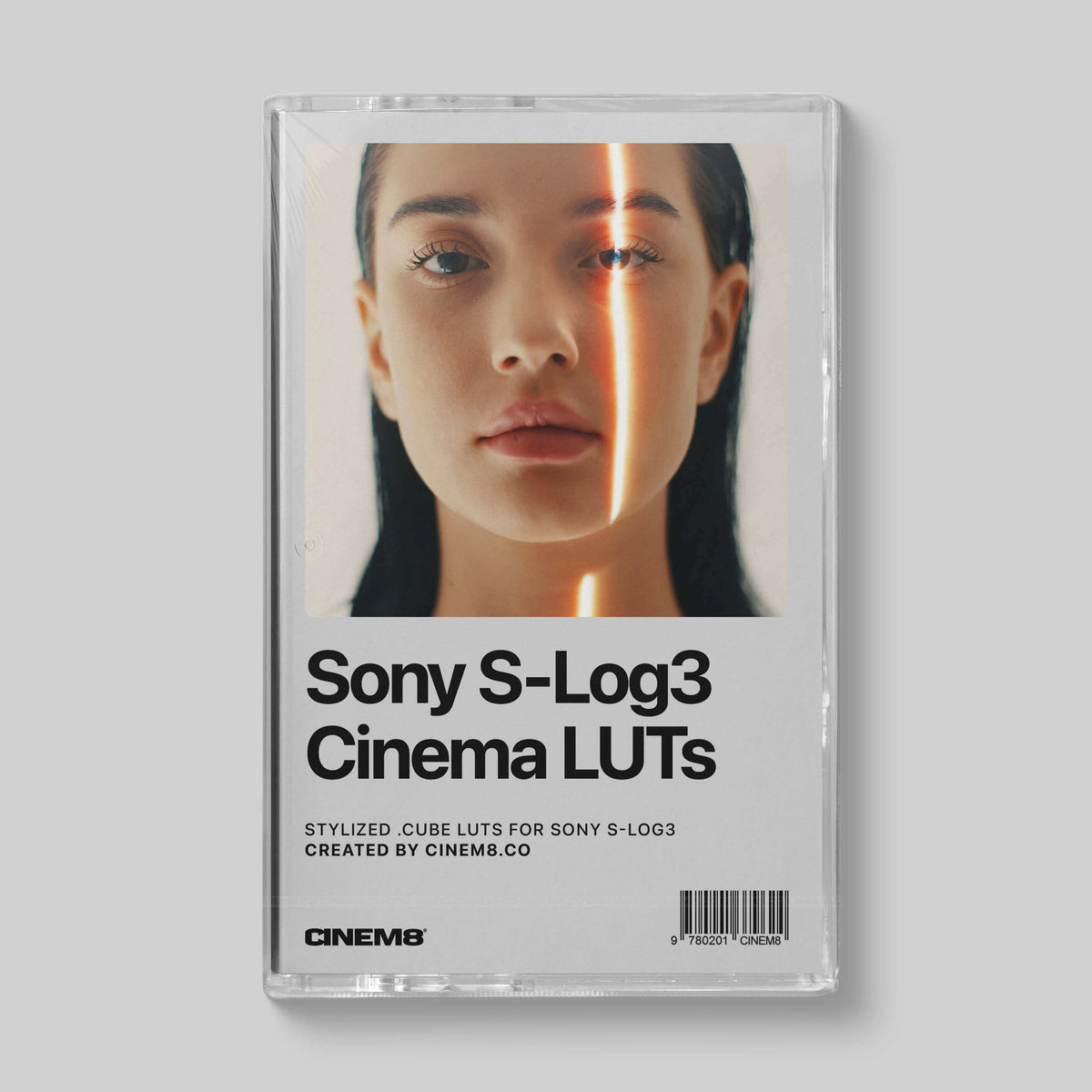
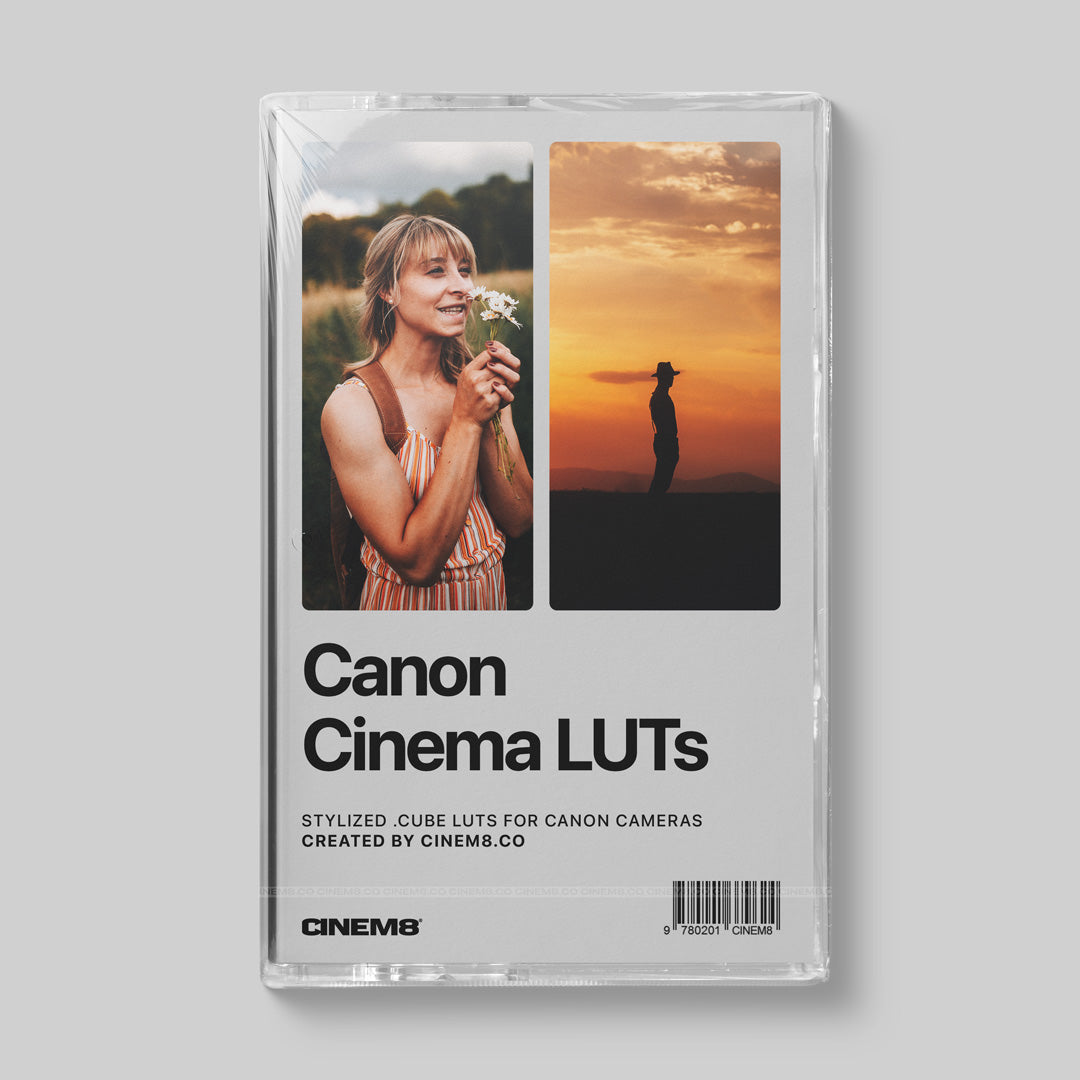
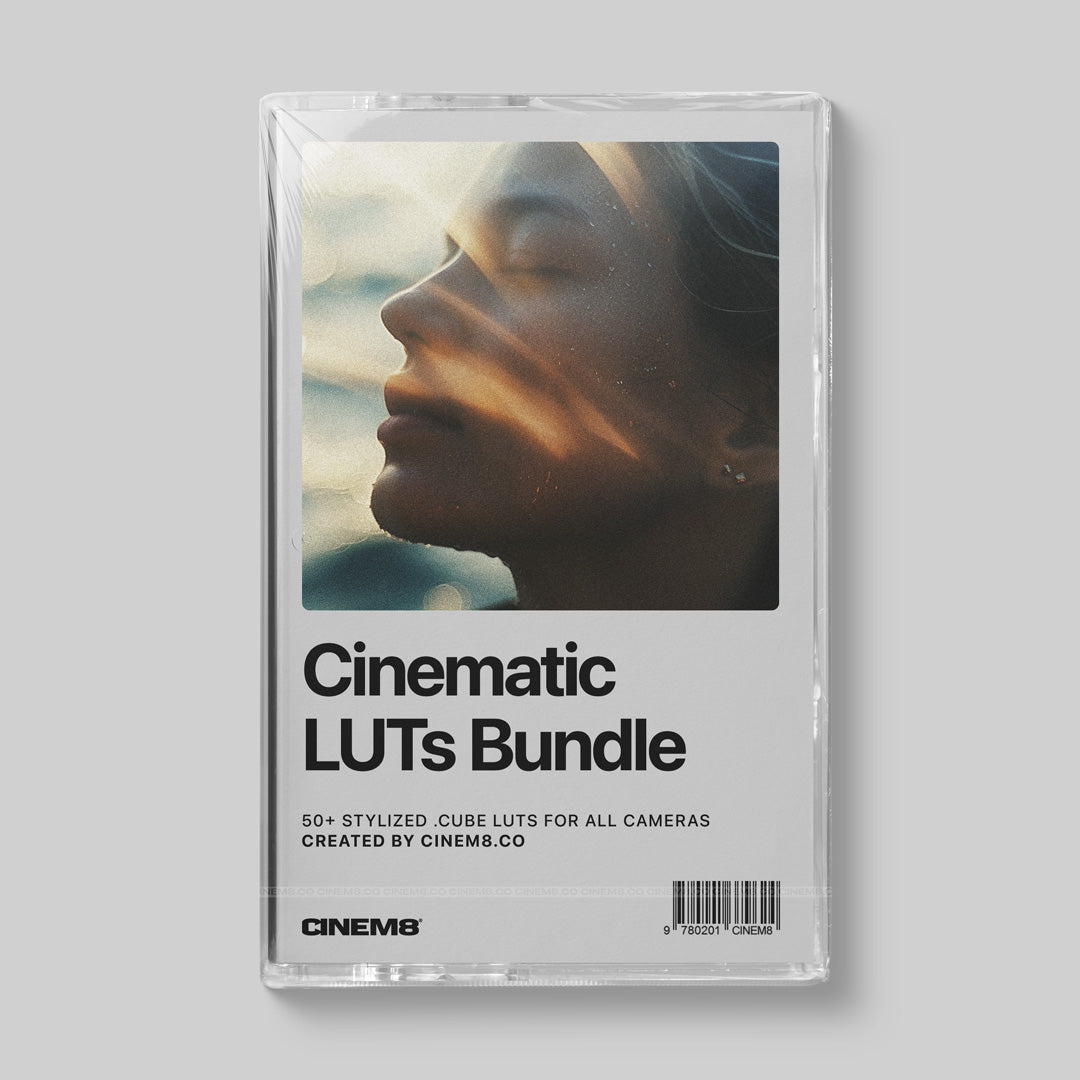
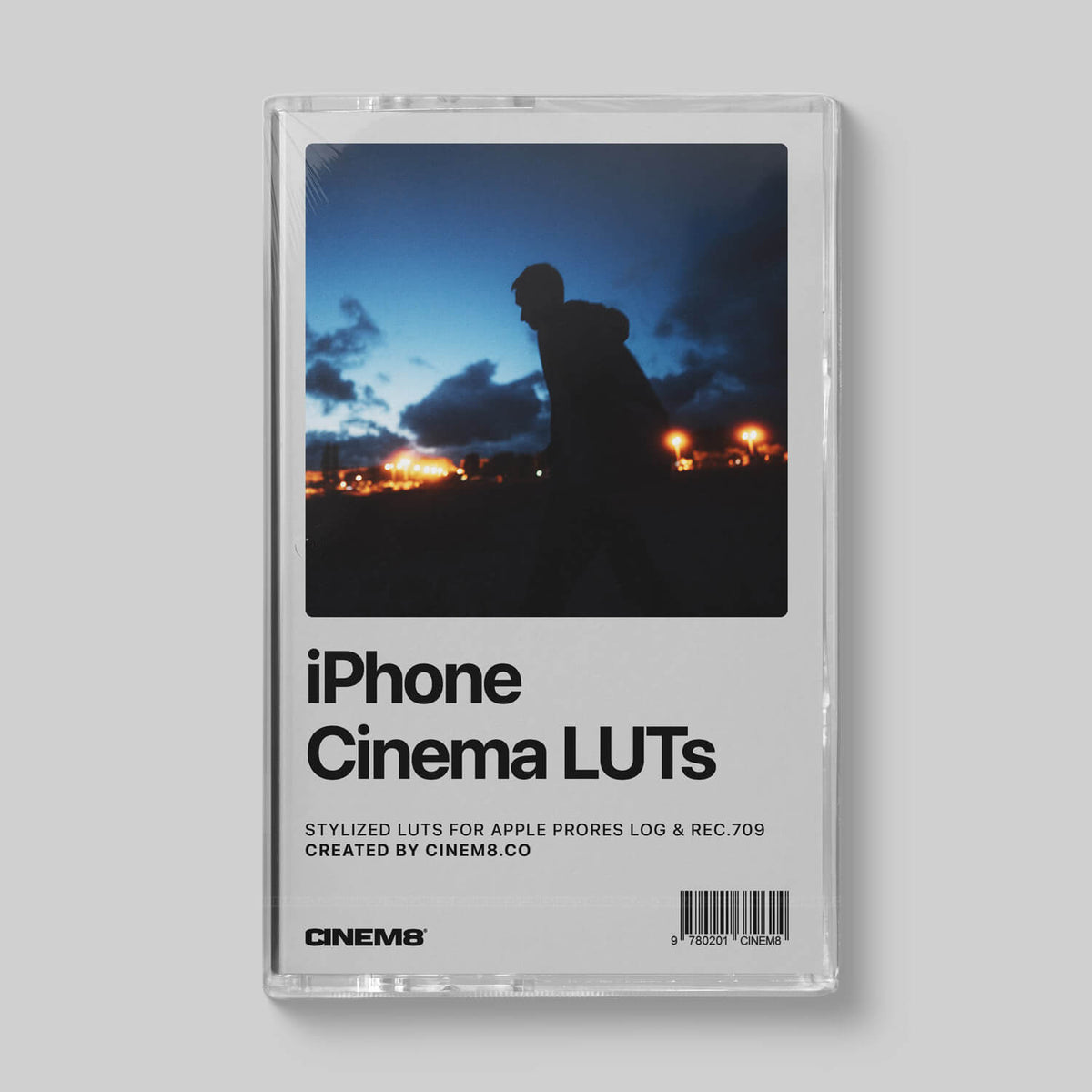

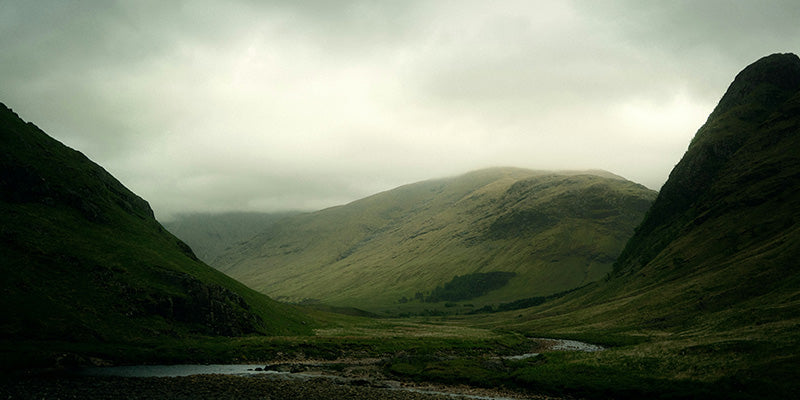


Trusted by Filmmakers & Creators across the globe.
What our customers say

The look I was chasing for years
I’ve tried tons of LUTs for my Sony FX30 and nothing came close. I'm now literally just using one of your LUTs (the Vision50D) on EVERYTHING 😄
Exceptional!
EMUL8 is exceptional and by far the most intuitive color grading plugin I used in Final Cut Pro...
EMUL8 Film Emulation
I gotta give you guys big props on EMUL8! It's so freaking good.

Thanks Chris!
I would like to say thank you for this amazing pack! I have many of your presets and they are awesome, your products are simply the best! Happy new year Chris!

EMUL8 is sooo good
I am using a Sony FX5 + several DJI drones and the Osmo P4..it's so easy to match footage from different cameras and get a consistent look with EMUL8!
Great LUTS for my Sony!
Hope you're well mate! I can't say how amazing your LUTs are, they've improved my work since I bought my a6500 so much. Thank you!

Best LUTs for my Canon R5
Tried several lutpacks before, then got your Canon R5 LUTs a few months ago... To be honest since then I am only using your R4.cube on EVERY project :D oh and thanks for the bonus sound effects!

Your LUTs saved me so much time...
Yo! Just got my hands on your lut collection for an music video i'm editing rn..just had to do minor adjustment on some of my footage but overall it saved me about 3 hours of manual color grading. keep going man!

Yooo these work with my ZV-E10 👌🏼
I bought your LUT bundle and wow, it was a game changer. My Sony ZV-E10 footage finally looks cinematic without hours in post. Super easy to use, zero regrets. Keep these packs coming!
FAQ
Everything you need to know about EMUL8, Film Emulation and our LUTs.
Your question is not here? Just send us an email.
What is EMUL8?
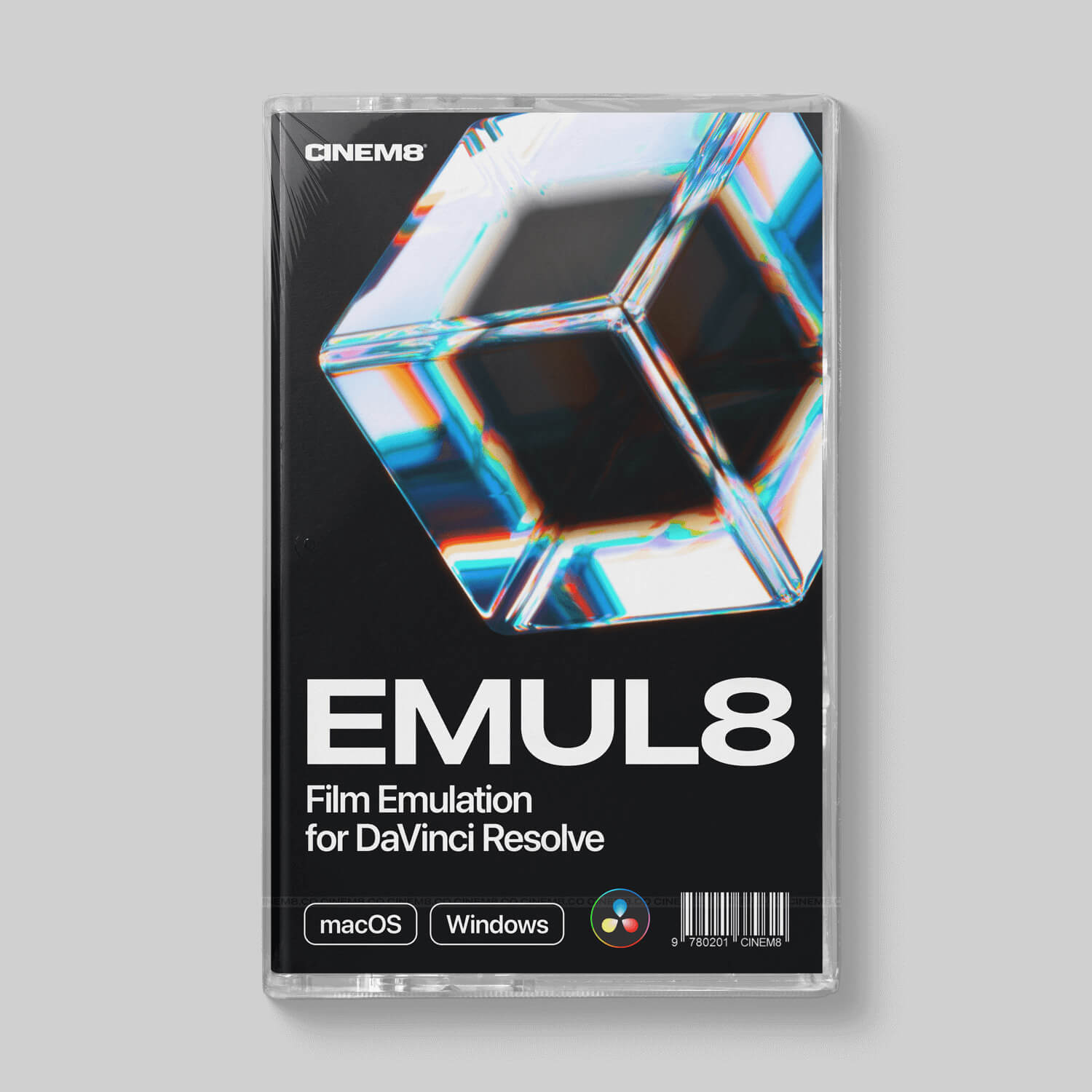
EMUL8 is our Film Emulation & Look Development plugin for Final Cut Pro and DaVinci Resolve Studio. It turns digital footage from any camera into a real film look: 17 film looks inspired by classic analog stocks, color density, halation, bloom, organic grain from 8mm to 65mm, film resolution, chromatic aberration and vignetting. Built by filmmaker Christian Maté Grab and colorist Eric Lenz. Explore all features
What's the difference between Film Emulation and a LUT?
A LUT is a fixed color transformation. It changes your colors, but it can't recreate how film actually behaves. Film Emulation goes further and rebuilds the character of analog film: color density, halation around bright lights, bloom, grain and the softer sharpness of film. In EMUL8 every one of these is adjustable, so you shape the look to your footage instead of forcing one preset onto every shot.
Which editing software does EMUL8 work with?
EMUL8 comes in two versions: EMUL8 for Final Cut Pro (macOS) and EMUL8 for DaVinci Resolve Studio (DaVinci Resolve Studio 19.1.1 or later, macOS and Windows). Working in both? The Bundle includes both versions. Premiere Pro, After Effects and other editors are not supported.
Does EMUL8 work with the free version of DaVinci Resolve?
No. EMUL8 for DaVinci Resolve is built on DCTLs, and those only run in DaVinci Resolve Studio, the paid version. In the free version of Resolve EMUL8 will not work.
Will EMUL8 work with my camera?
Yes, EMUL8 works with footage from any camera. In Final Cut Pro you get camera profiles for Log footage from Sony, Canon, Panasonic, Nikon, Fujifilm, RED, DJI, Apple, GoPro and Insta360, and Rec.709 footage from cameras without Log works too. HDR footage (HLG) needs to be converted to Rec.709 with Final Cut Pro's HDR Tools first. In DaVinci Resolve your camera is handled by the Color Space Transform, and we include transformation LUTs for cameras Resolve doesn't support natively.
Do I need Color Grading experience to use EMUL8?
No. Choose your camera profile, pick a film look and fine-tune grain, halation and color density with a few sliders. Video tutorials are included, so you get a great look from day one. And if you are a pro, you get full control over every film characteristic.
How is EMUL8 different from Dehancer?
EMUL8 focuses on the tools you actually use: film looks, color density, halation, bloom, grain, film resolution, chromatic aberration and vignetting, optimized for smooth real-time playback in Final Cut Pro. It is a one-time purchase with lifetime updates, licensed per user without device activation. EMUL8 runs in Final Cut Pro and DaVinci Resolve Studio only.
Is EMUL8 a subscription?
No. You pay once and keep EMUL8 forever, including all future updates. No subscription, no license keys, no online activation. Your license is per user, so you can install EMUL8 on every computer you own.
Which license do I need?
The Creator License is for individuals, freelancers, YouTubers and teams with fewer than six people, commercial work included. Companies, agencies and studios with six or more employees need the Business License. Both include lifetime updates.
Can I try EMUL8 before I buy?
There is no free trial, but you can compare every EMUL8 film look on sample footage in our free Film Look Tester. Questions before buying? Just ask us, we usually answer within 24 hours.
I own EMUL8 for Final Cut Pro. Can I get the DaVinci Resolve version?
Yes. Buy EMUL8 for DaVinci Resolve Studio with the same email address you used for your first purchase, and the upgrade discount is applied automatically at checkout.
Do I need to buy your LUT packs to use EMUL8?
No. EMUL8 comes with everything included: 17 film looks, camera profiles and every film characteristic from color density to grain. It is a complete Film Emulation chain from your camera footage to the final look, so it is not built to run our LUT packs and doesn't need them. Think of it this way: our LUTs are the quick solution, one click to a look in any editor that supports LUTs. EMUL8 is the full toolset when you want to shape every part of the film look yourself.
What is a LUT?
A LUT (Look-Up Table, usually a .cube or .3dl file) is a color preset that maps the colors of your footage to new values. Editors like Final Cut Pro, Premiere Pro and DaVinci Resolve use LUTs to convert Log footage or to apply a creative look. Learn more in our guide How to use LUTs to Color Grade your footage.
In which programs can I use LUTs?
Our 3D .cube LUTs work in any editing or grading software that supports 3D LUTs, like Final Cut Pro, Adobe Premiere Pro and DaVinci Resolve.
Do I need to install a LUT?
No. You simply import the LUT into your editing software and apply it to a clip or an adjustment layer.
How do I use a LUT in Final Cut Pro?
Search for "Custom LUT" in the Effects browser and drag the effect onto your clip. Then choose your LUT from the dropdown menu in the inspector.
How do I use a LUT in Premiere Pro?
Select your clip or adjustment layer, open Lumetri Color and choose your LUT in the "Basic Correction" or "Creative" tab.
How can I convert a LUT for my camera or monitor?
Use our Free Online LUT Converter. It batch converts any .cube or .3dl LUT to 65, 33 or 17 point grids. For example: your LUT is 65x65x65 and your Atomos Ninja needs 33x? Convert it in seconds, completely free.
Where can I download my files?
Right after payment you get your download links on the order confirmation page and by email. All downloads and future updates are also waiting in your customer account.
I didn't receive my download email
Please check your spam folder first. Every order is processed automatically after payment. You can also log in to your customer account to access your downloads. Still nothing? Contact us and we'll sort it out.
Blog posts
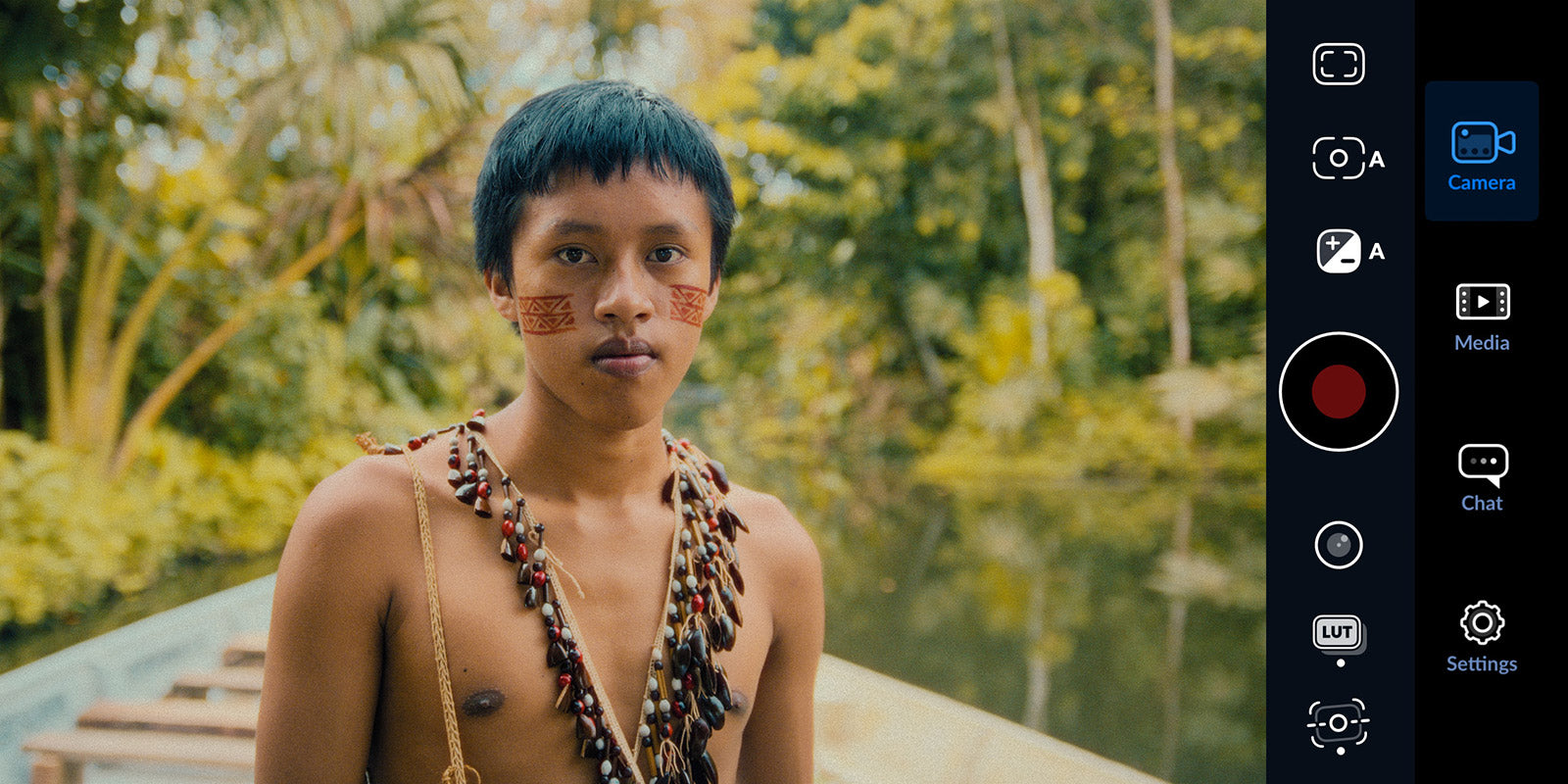
iPhone Camera Settings for Cinematic Videos: The Complete Apple Log Guide
If you shoot video on your iPhone and it never looks as good as what you see online, the reason is probably one thing: you are not shooting in Apple Log (or Apple Log 2). Here is how to fix that, ...
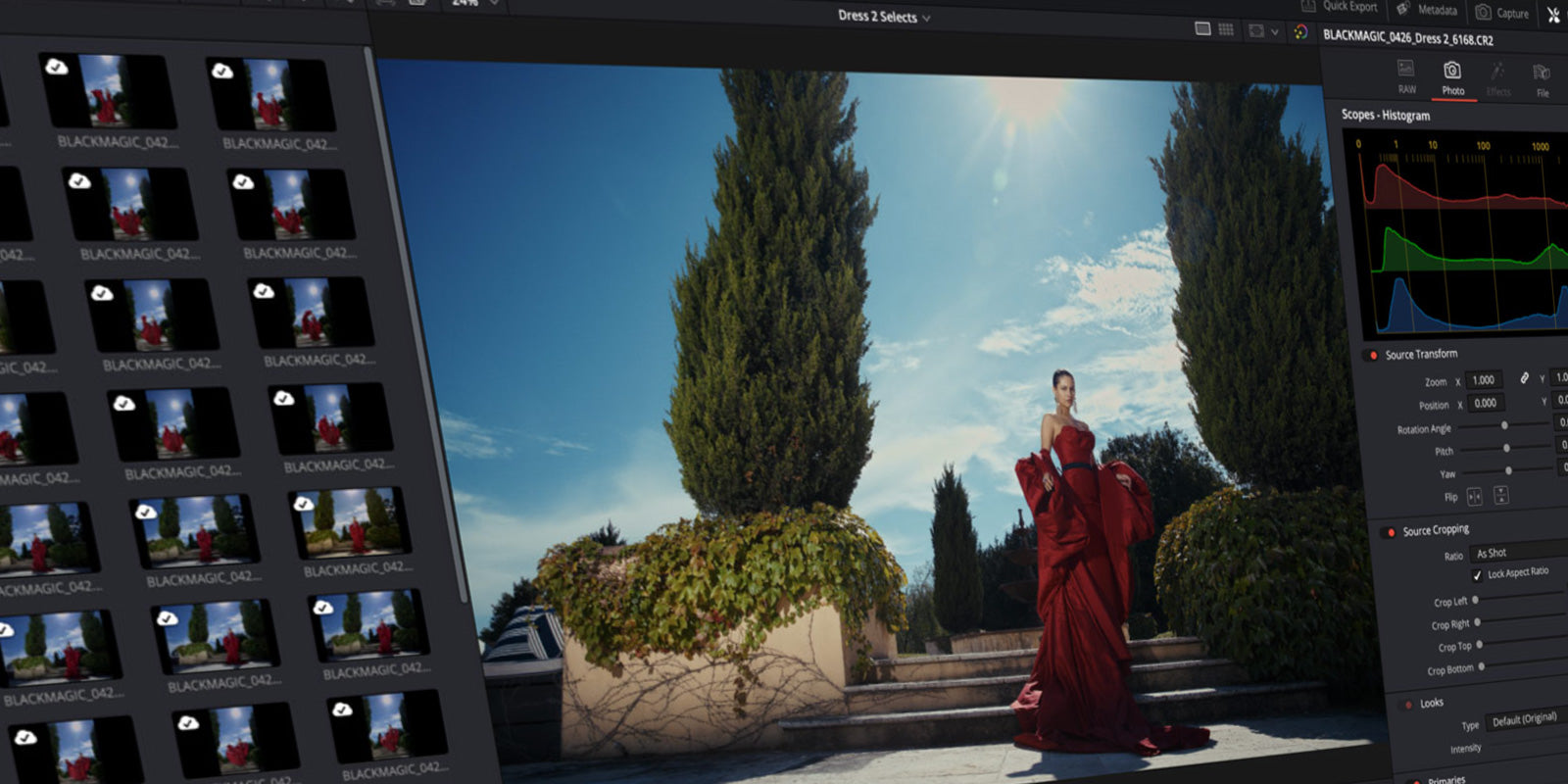
DaVinci Resolve 21 gets a Photo Editor? This changes everything for Hybrid Creators.
Blackmagic Design just dropped a huge announcement at NAB 2026. DaVinci Resolve 21 is getting a brand new Photo page, and it might be the most significant update the software has ever seen. For hy...

Film Emulation for Final Cut Pro: How it works + best Plugins
If you've ever looked at a shot you filmed and thought "it looks fine, but it doesn't feel like anything" you're not imagining it. Digital footage is technically clean. And that's exactly the prob...