



EMUL8 Film Emulation for Final Cut Pro
Tax included.
Which License do I need?
If you’re an individual filmmaker, freelancer, YouTuber or a small production team with fewer than 6 employees, choose the Creator License.
Companies, studios or teams with 6 or more employees need the Business License.


Loved by 4000+ Filmmakers
The Film Emulation we always wanted. So we built it.
If you're looking for a real Dehancer alternative that doesn't slow your Mac down or break the bank, this is it. We've used Dehancer for years. And yes, the looks are solid. But the performance is terrible. The price? Ridiculous. And half the settings are just useless.
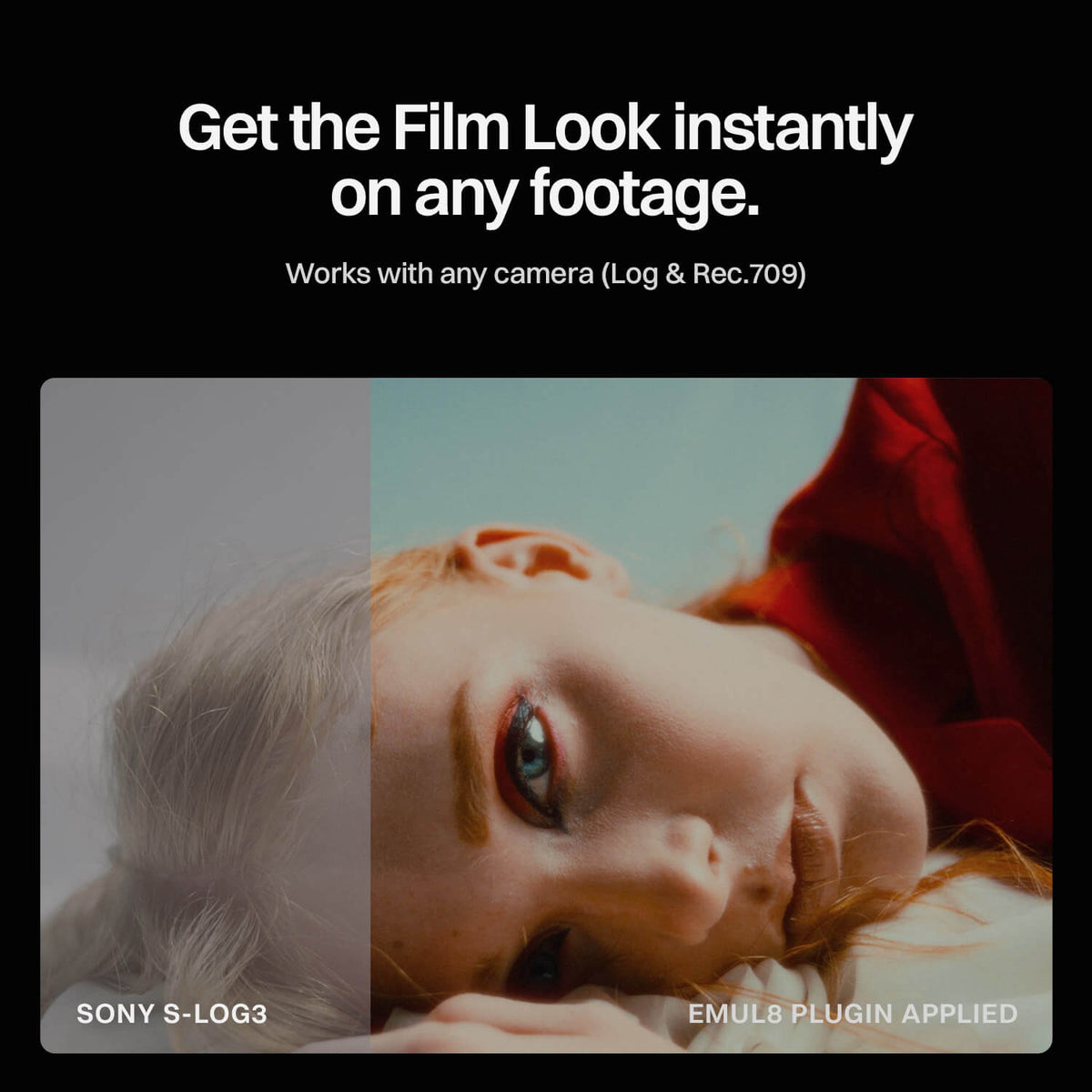
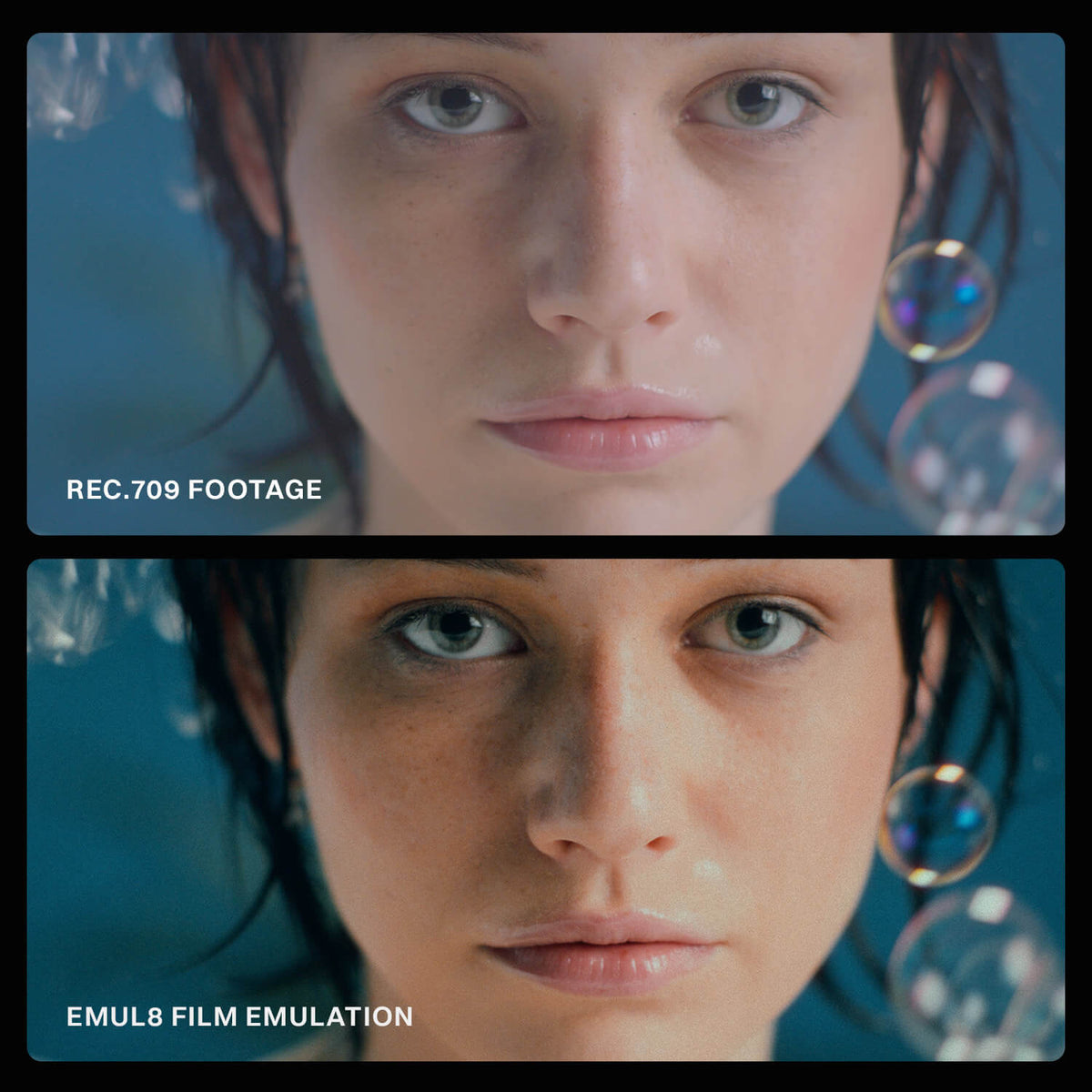
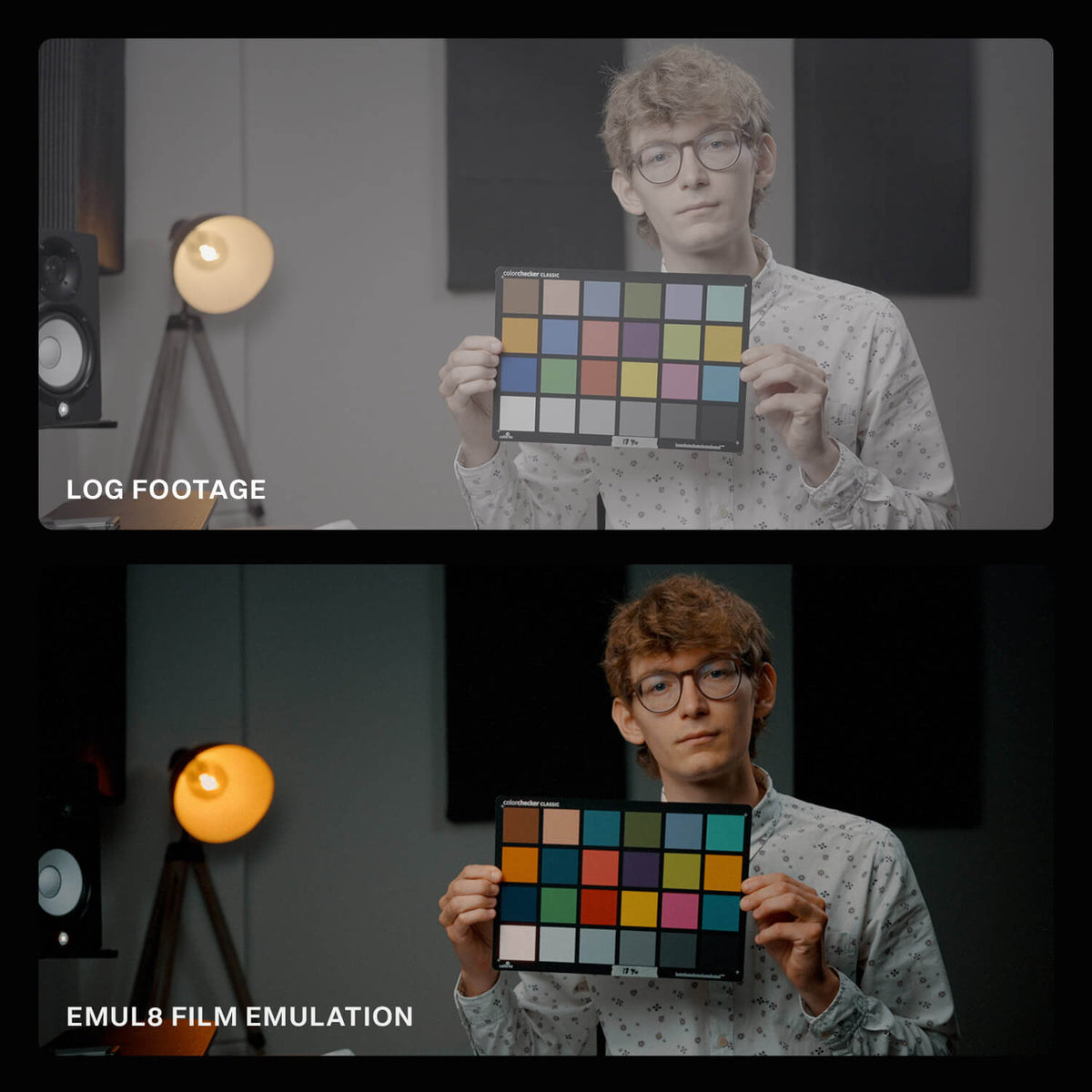
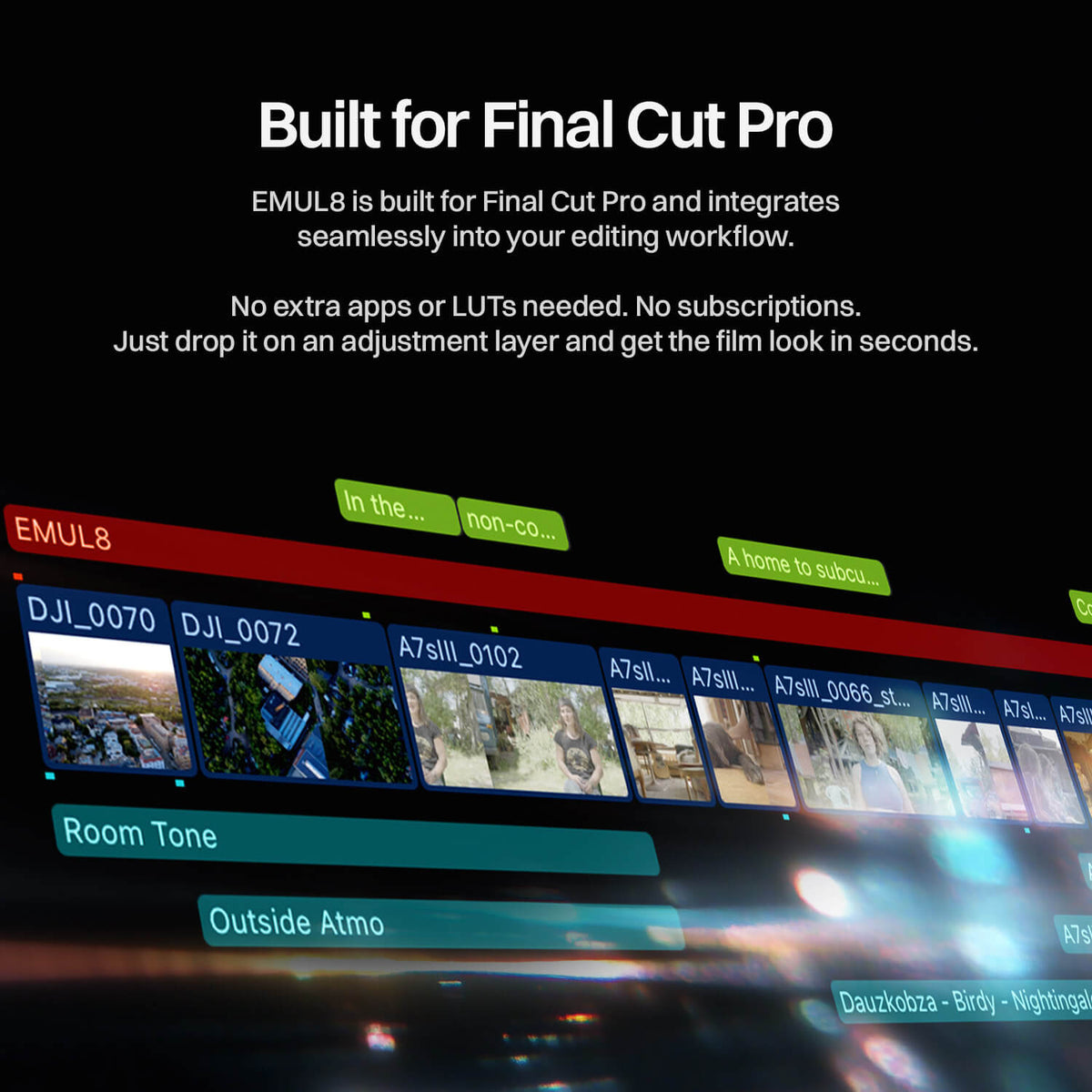
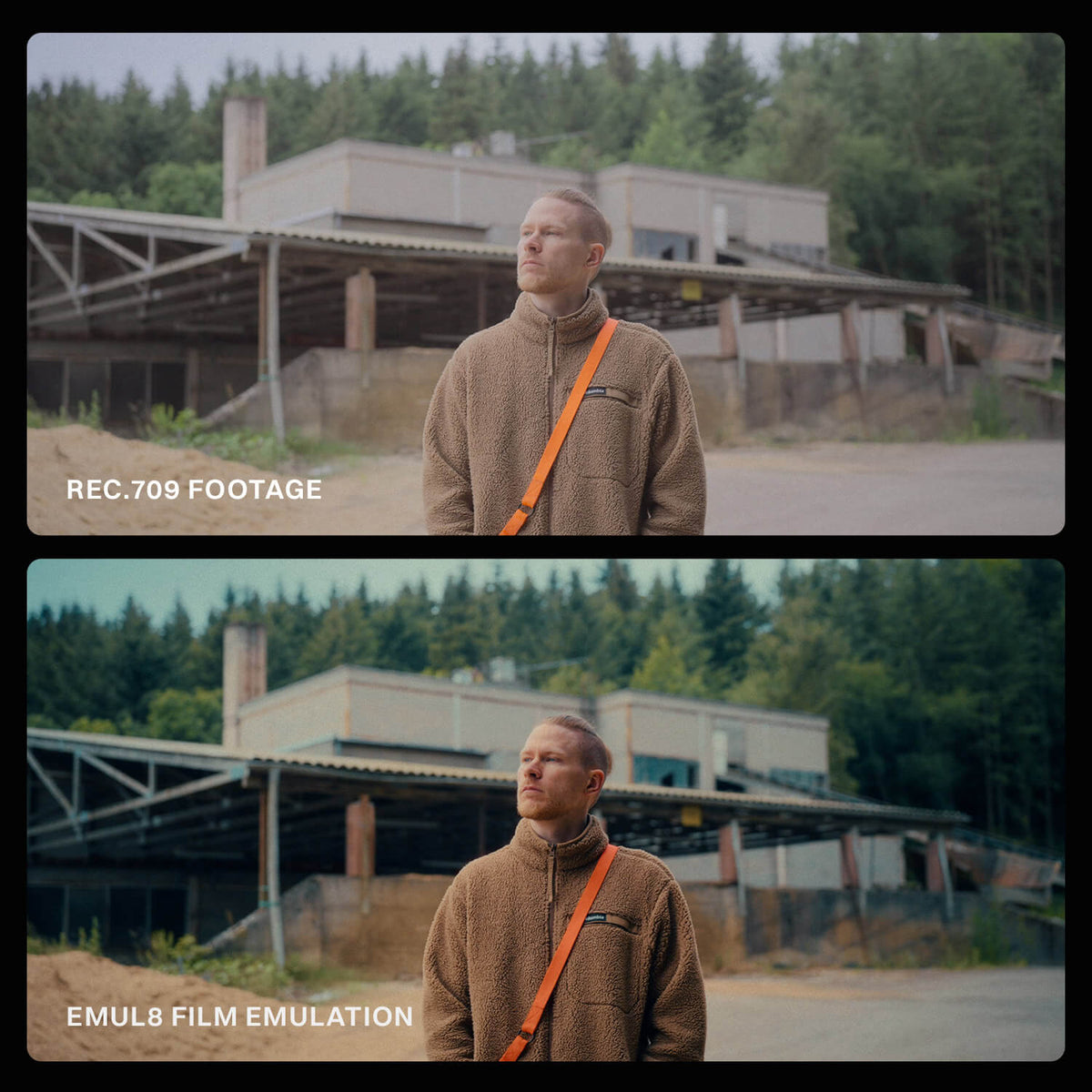
So we built a Film Emulation Plugin for Final Cut Pro that does what matters. Instant results: Cinematic looks with rock-solid color science and the aesthetics of analog film in under 2 minutes.
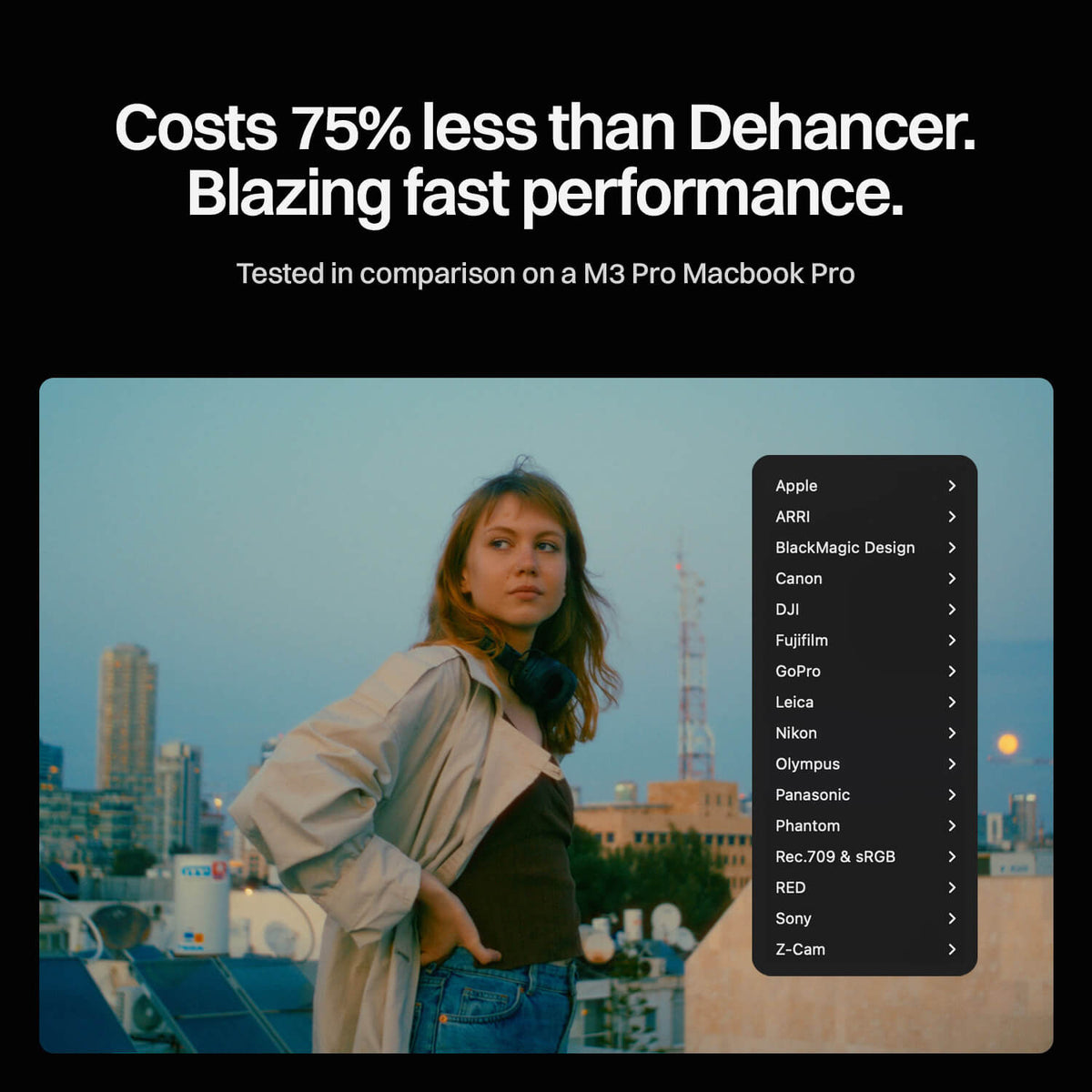
Blazing fast performance. At a fraction of the cost of Dehancer.
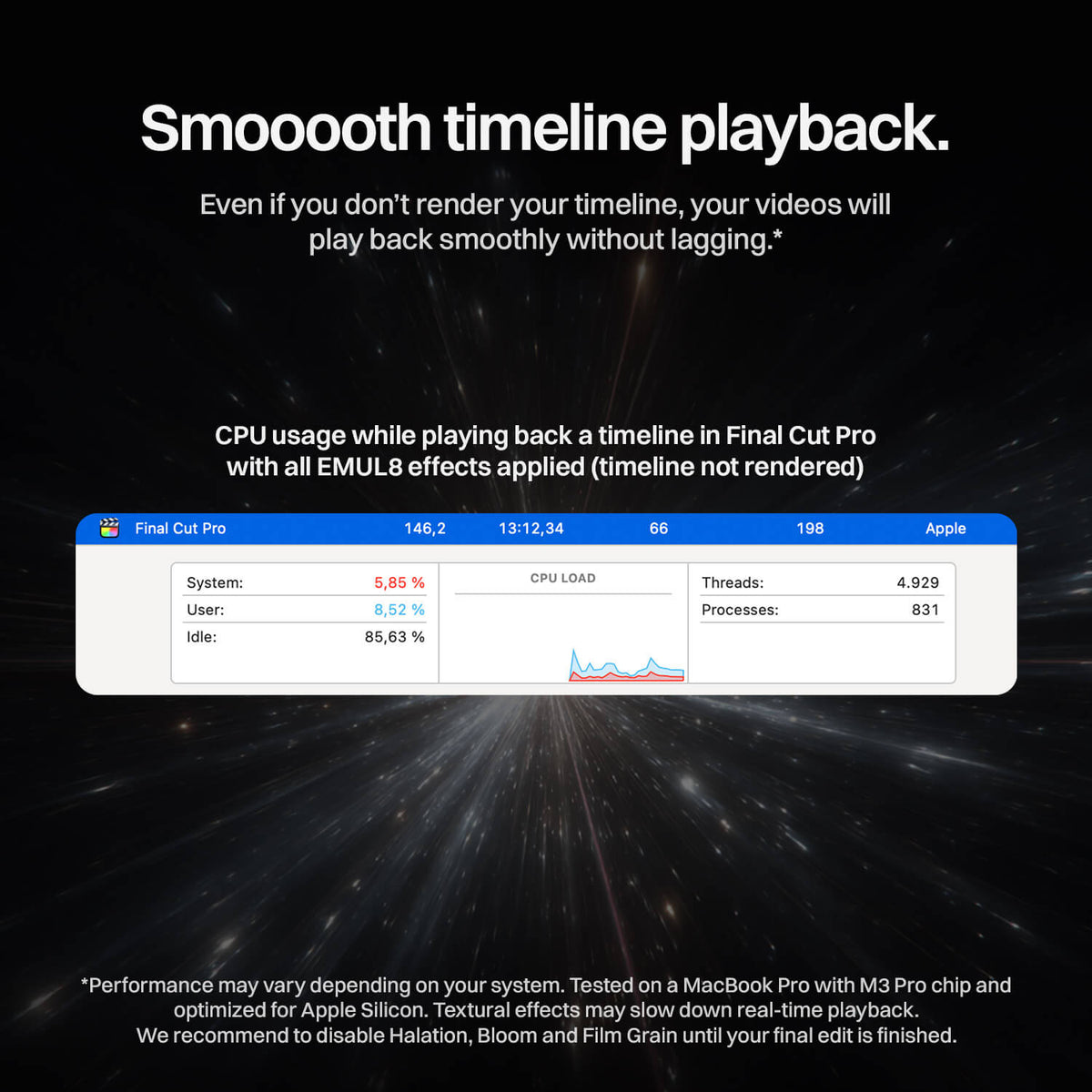
Real-time playback with bloom, halation, chromatic aberration, film grain and beautiful film looks. No lagging sliders. No features you don't use anyway.
EMUL8 Film Emulation includes:
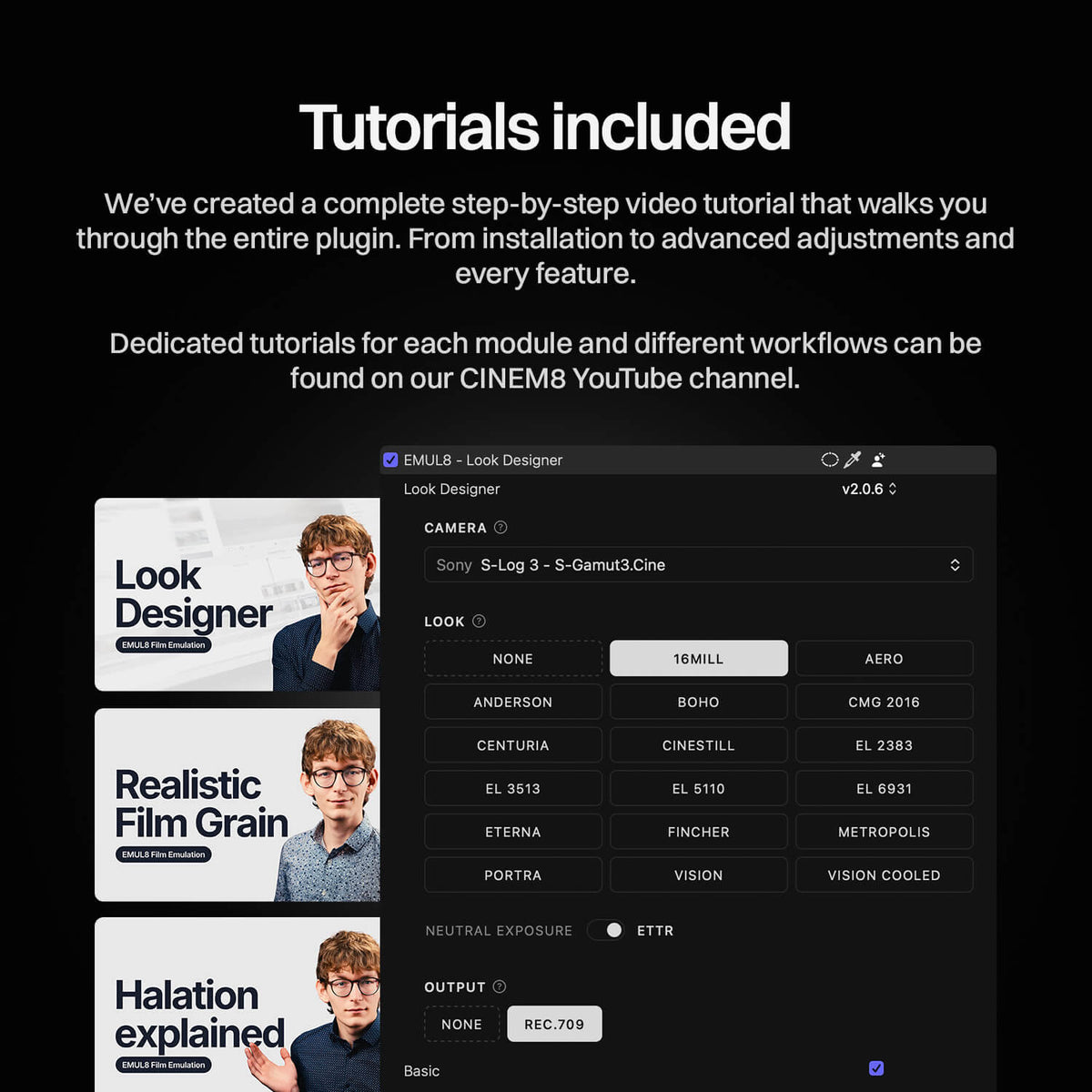
- 17 iconic Film Emulation Looks (built for every camera)
- Color Correction tools for fine adjustments
- The best Color Density control out there
- Insanely beautiful Halation with presets
- Cinematic Bloom Effect
- Chromatic Aberration Effect
- Skintone & Neutrals Checker
- Organic 8mm, 16mm, 35mm, and 65mm Film Grain
- Customizable Vignetting
- Film Resolution for less digital sharpness
- Monitoring LUTs for all major cameras
Compatibility
| Final Cut Pro | 11.1 or later. Perpetual or Creator Studio |
|---|---|
| Operating System | macOS 14.6 or later |
| Mac | Apple silicon recommended, Intel supported |
| RAM | 16 GB recommended |
| Camera profiles | All major Log profiles and Rec.709 |
| Color space | Log and Rec.709. Convert HDR to Rec.709 first |

Compatible Cameras & Profiles
EMUL8 is built to deliver precise film emulation and cinematic color grading for professional filmmakers. It supports a wide range of camera brands and log profiles as well as Rec.709 & sRGB.
EMUL8 works seamlessly with Final Cut Pro and supports Log and Rec.709 color spaces. If you want to work with HLG, HDR or RAW footage please take a look at our tutorials here!
Our Tutorials & FAQ- Apple Log Rec.2020
- Apple Log 2 Apple Wide Gamut
- LogC3 ARRI Wide Gamut 3
- LogC4 ARRI Wide Gamut 4
- Film Gen 4 DaVinci Wide Gamut
- Film Gen 5 DaVinci Wide Gamut
- C-Log (BT709, BT2020, Canon Cinema Gamut)
- C-Log 2 (BT709, BT2020, Canon Cinema Gamut)
- C-Log 3 (BT709, BT2020, Canon Cinema Gamut)
- D-Log
- D-Log M
- D-Log 2
- F-Log BT.2020
- F-Log 2 BT.2020
- F-Log 2 C F-Gamut C
- Log
- GP-Log 2 (Mission 1 Series)
- Pro Tune Native
- Ace Pro 2 I-Log
- GO Ultra I-Log
- X4 I-Log
- Luna Ultra I-Log
L-Log (BT709, BT2020)
- N-Log BT2020
- Flat BT709
- OM-Log 400 (BT2020, P3-D65)
- V-Log V-Gamut
- Phantom Log 1
- Phantom Log 2
- Log3G10 RED Wide Gamut
- HLG (1/2/3) BT2020
- S-Log (S-Gamut, S-Gamut3, S-Gamut3.Cine)
- S-Log 2 (S-Gamut, S-Gamut3, S-Gamut3.Cine)
- S-Log 3 (S-Gamut, S-Gamut3, S-Gamut3.Cine)
- S-Cinetone
- Z-Log 2
If you like to use EMUL8 directly on your Rec.709 or sRGB footage, we got you covered.
You may also like: