

EMUL8 Film Emulation for DaVinci Resolve Studio
Tax included.
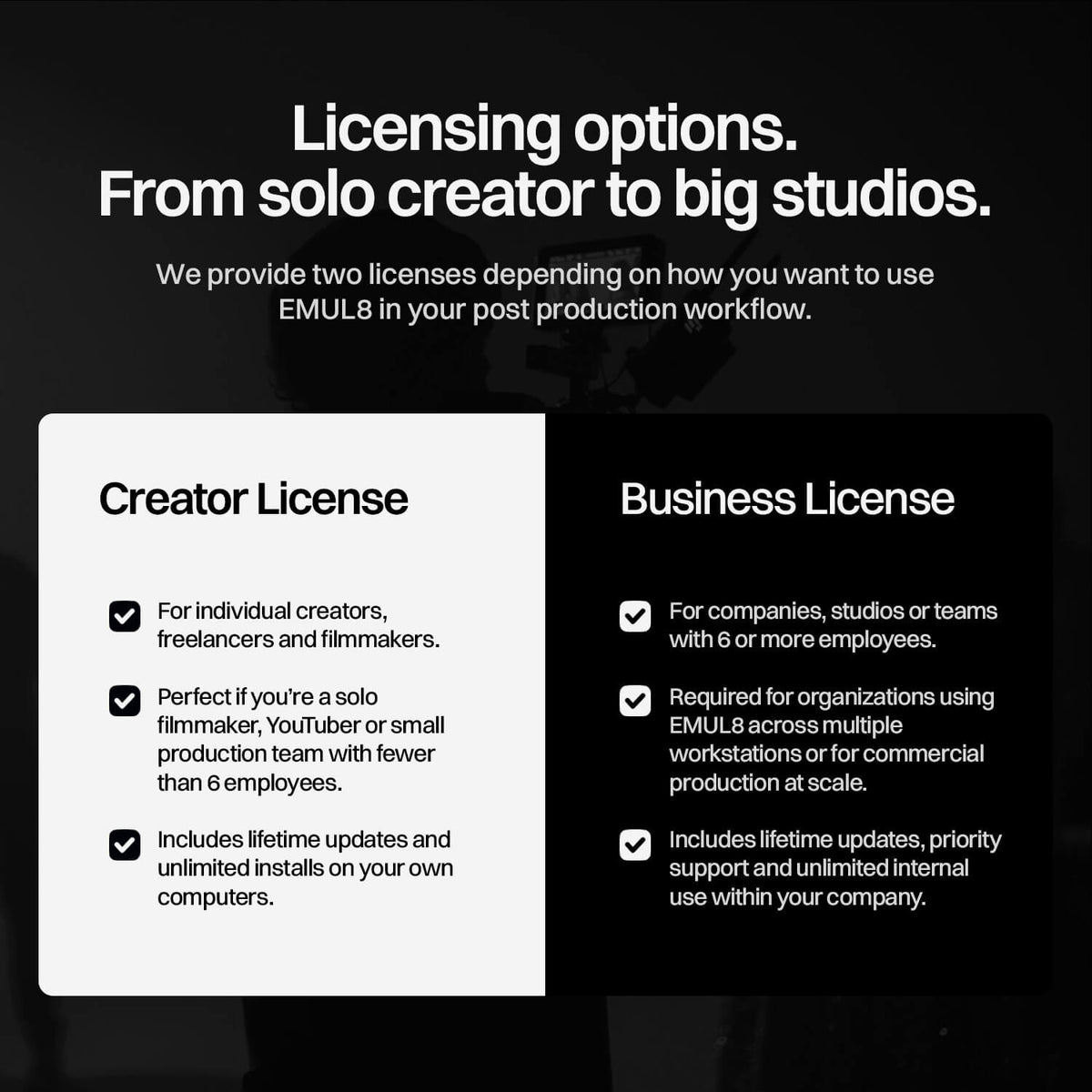
Which License do I need?
If you’re an individual filmmaker, freelancer, YouTuber or a small production team with fewer than 6 employees, choose the Creator License.
Companies, studios or teams with 6 or more employees need the Business License.


Loved by 2890+ Filmmakers
The Film Emulation we always wanted. Now inside DaVinci Resolve Studio.
We developed EMUL8 as a film emulation toolkit for DaVinci Resolve for Filmmakers and Creators who want cinematic results without relying on overpriced film emulation plugins.
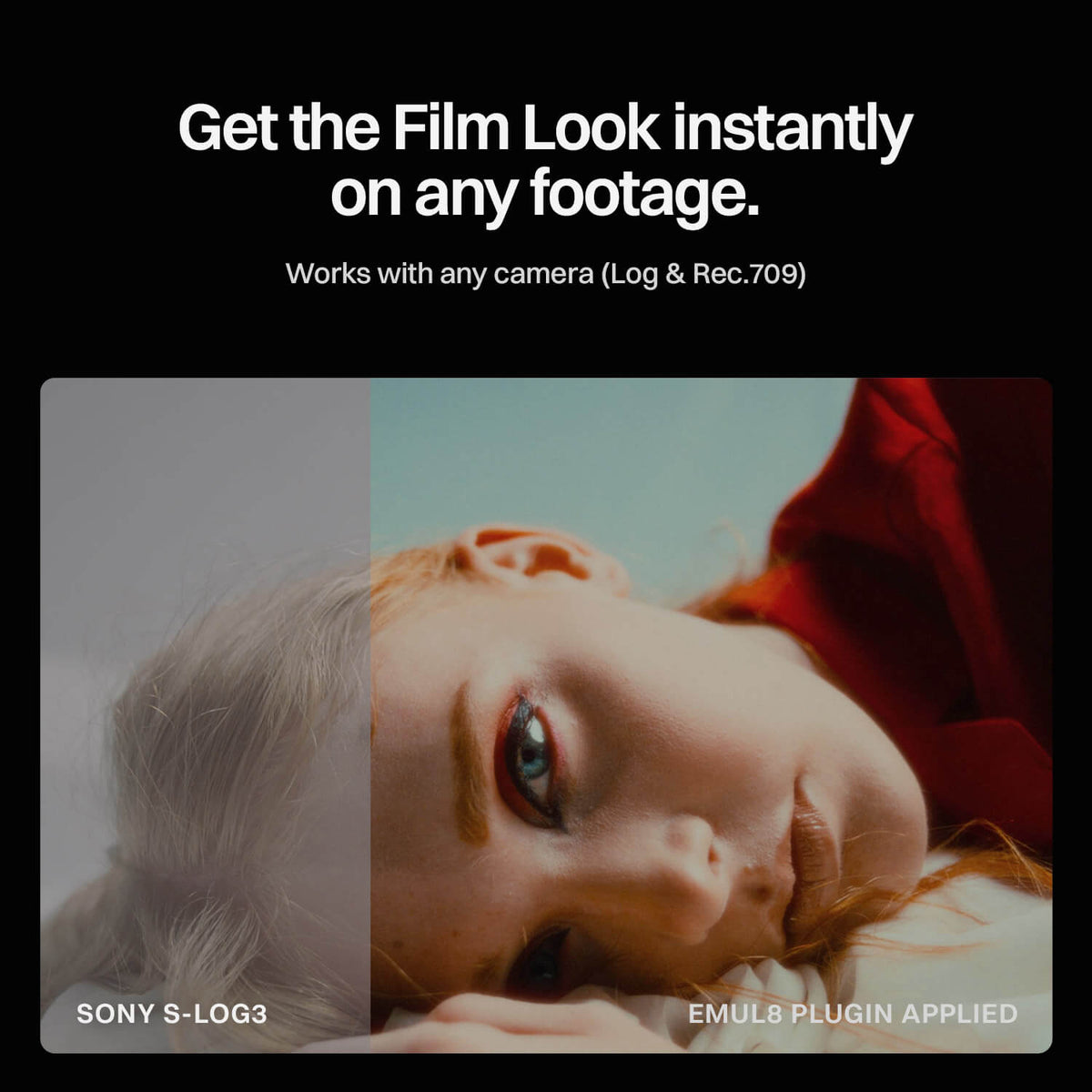
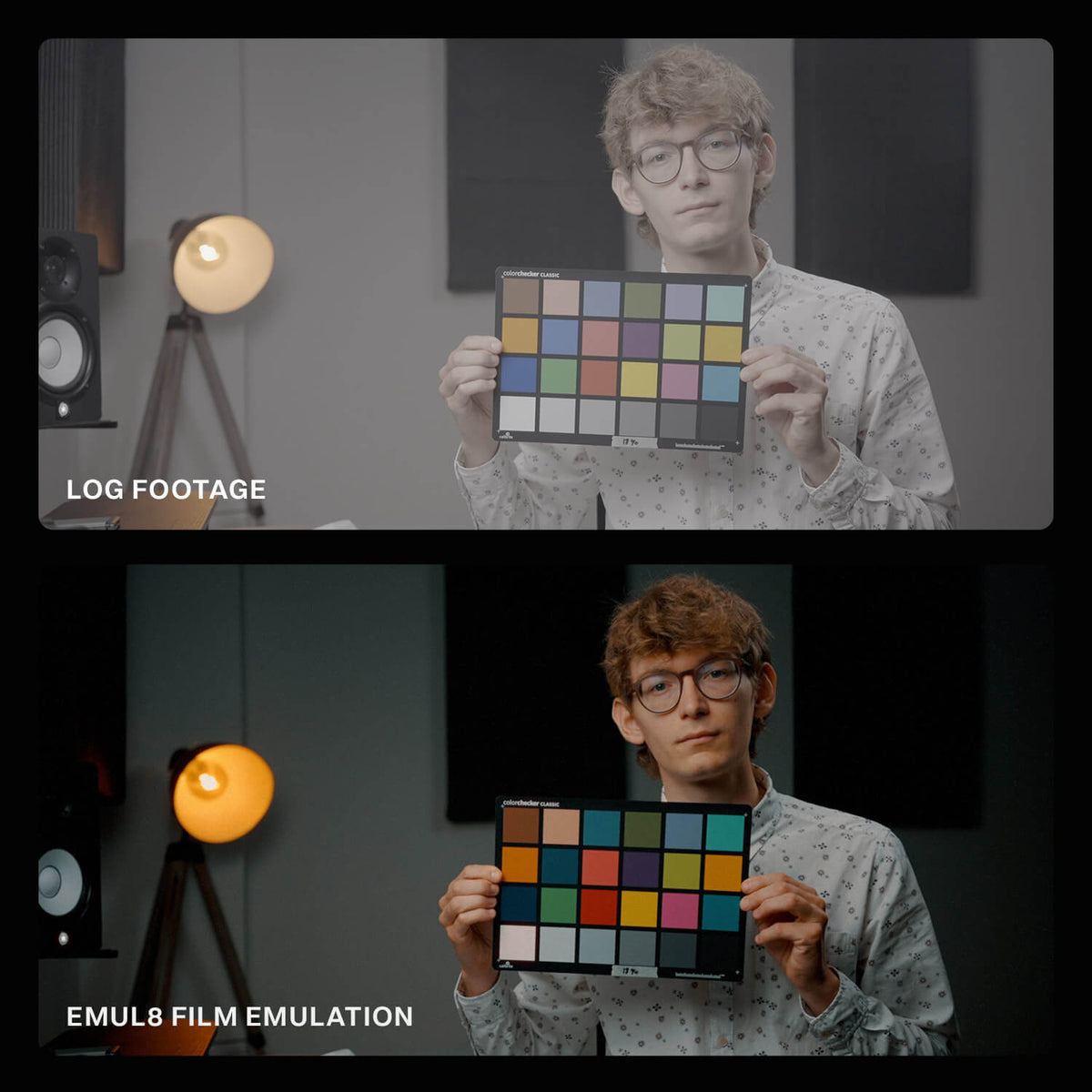
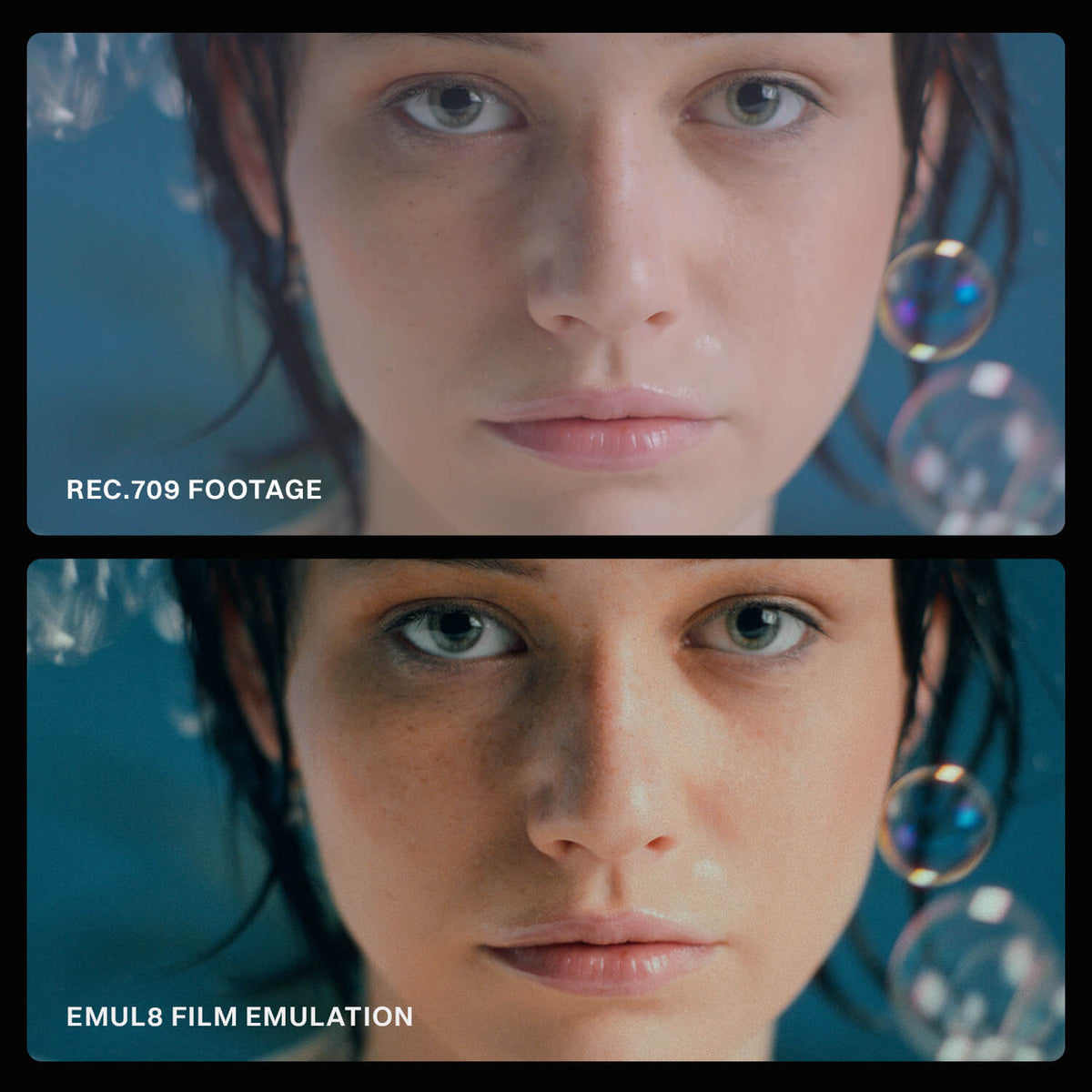
So if you're looking for a solid Dehancer alternative inside DaVinci Resolve, EMUL8 is exactly that. It transforms digital footage from any camera into organic, filmic images in just a few minutes.
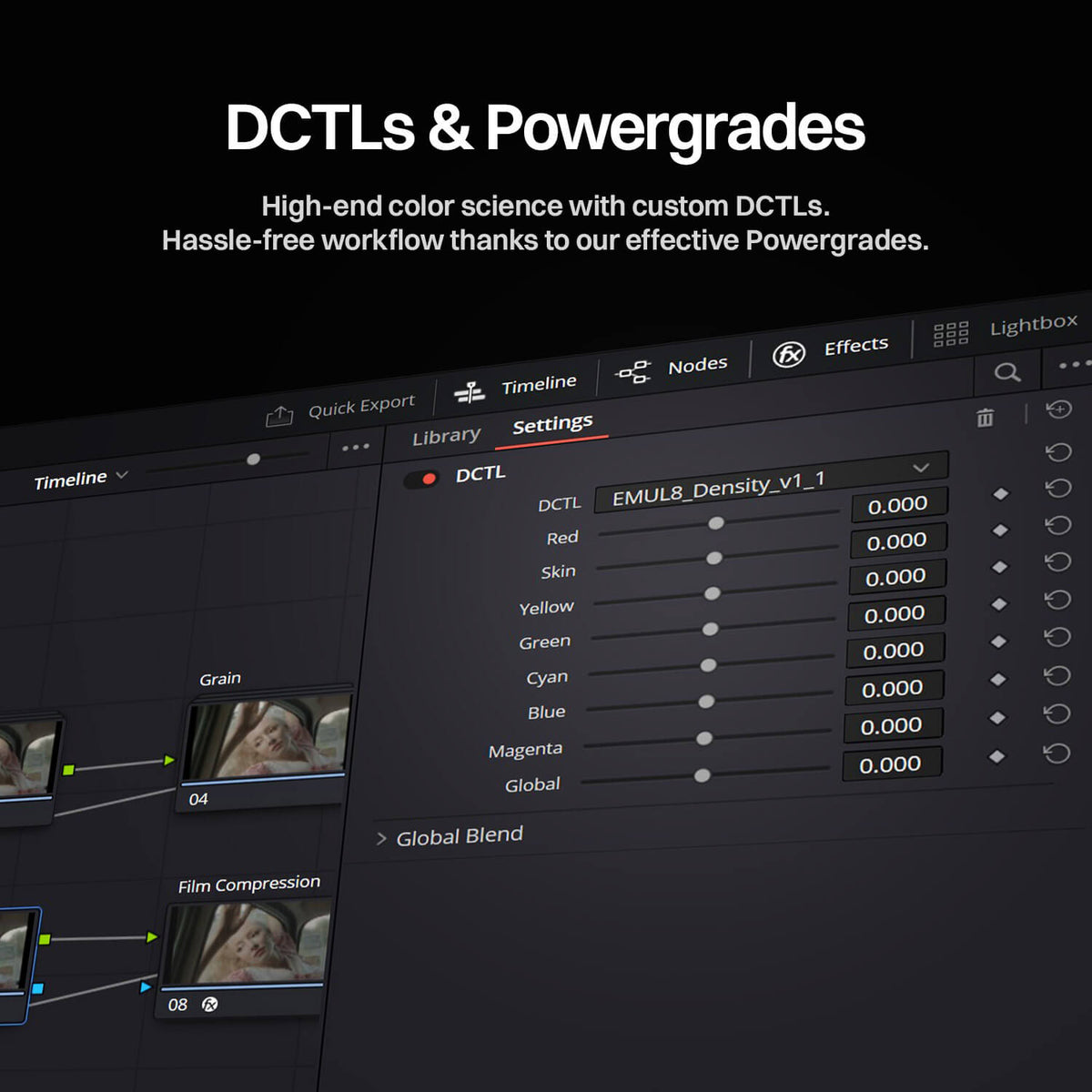
With these DCTLs and PowerGrades we focused on what actually matters in look development: Film aesthetics. Color separation. Texture. Exceptional color science. Emotion. Create analog-inspired looks that feel intentional and timeless, whether you are working on personal projects or commercial productions.
EMUL8 for DaVinci Resolve includes:
- 17 Film Looks built to work with any modern camera
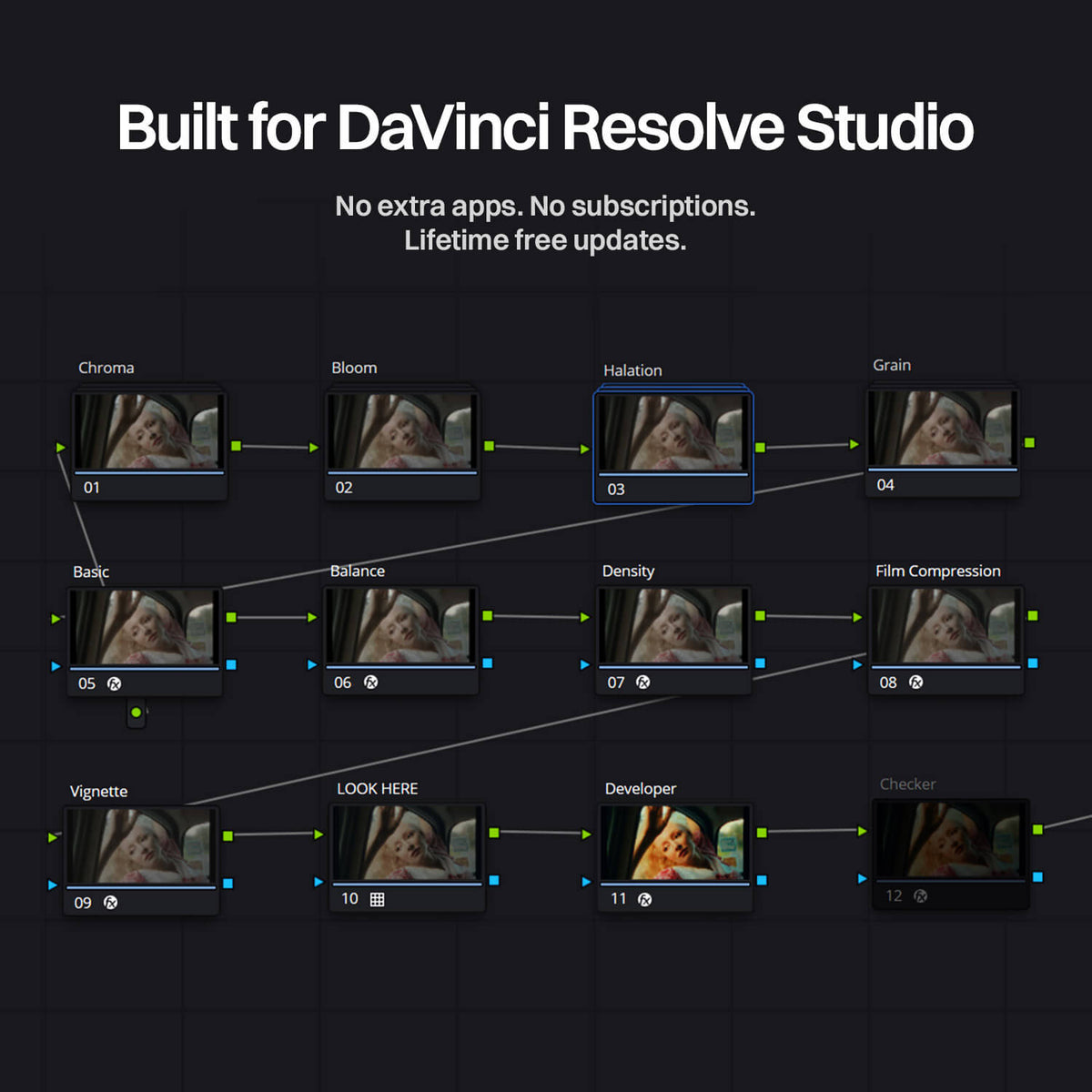
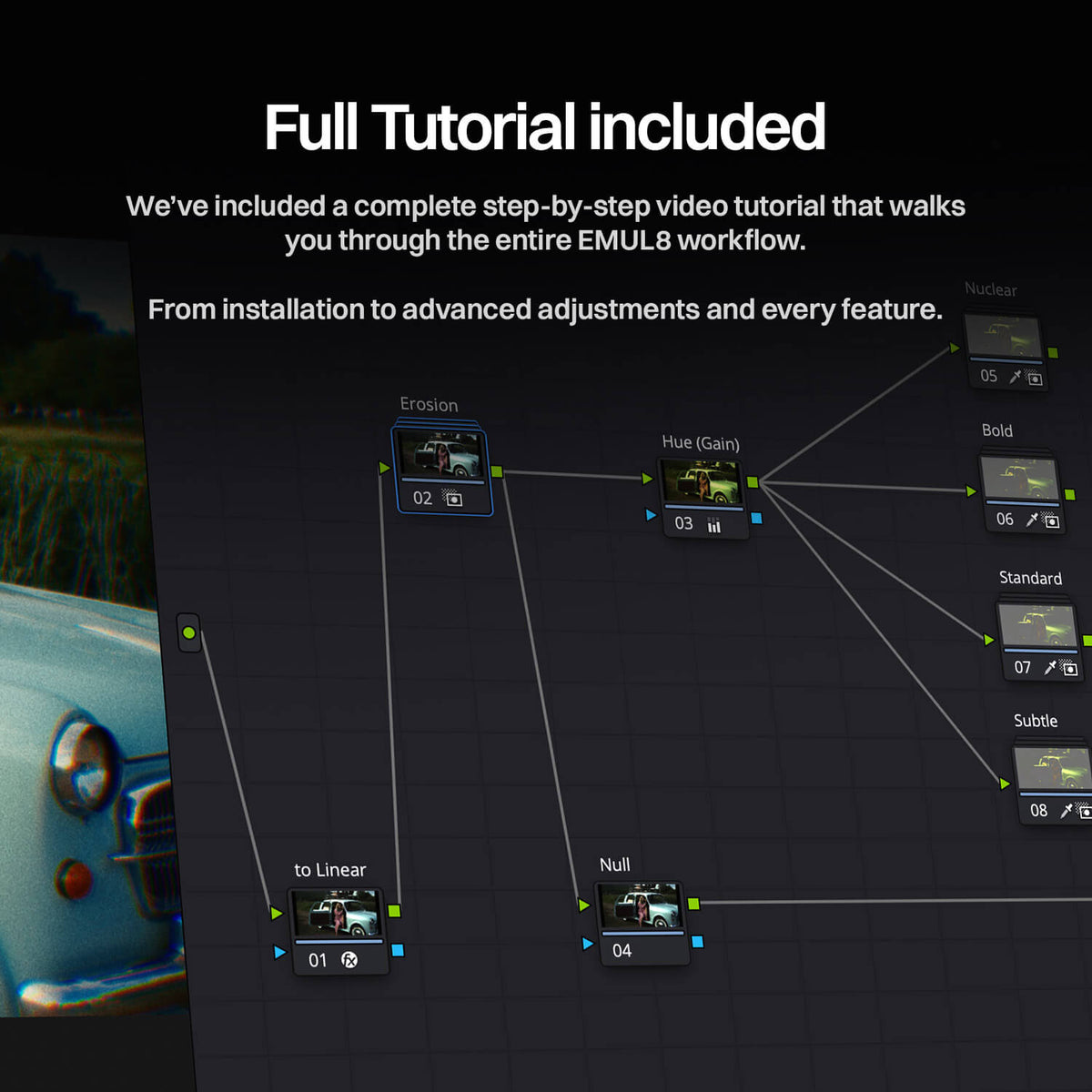
- Simple Drag & Drop PowerGrade
- Advanced DCTLs for rock-solid color science
- High-End Color Density control for more natural saturation
- Customizable Film Halation PowerGrade with presets
- Cinematic Bloom / Mist Effect PowerGrade with presets
- Organic 8mm, 16mm, 35mm, and 65mm Film Grain PowerGrade with presets
- Vignetting controls for subtle focus and framing
- Chromatic Aberration Effect
- Film Resolution control to tame harsh digital sharpness
- Check Layer (skintones & neutrals checker)
- Monitoring LUTs for all major cameras
Compatibility
| DaVinci Resolve | Studio only – version 19.1.1 or newer |
|---|---|
| Installation | Drag & Drop on Mac & Windows |
| GPU | Any GPU from 2020 or later, or Apple Silicon |
| Operating System | Windows 10+ or macOS 11+ |
| RAM | 16 GB minimum |
| Apple SoC | Pro-line recommended |
| Color space | Rec.709 delivery |
Upgrading from EMUL8 for Final Cut Pro?
Just use the same email address you used to purchase the FCP version to apply the automatic discount at checkout.

Compatible Cameras & Profiles
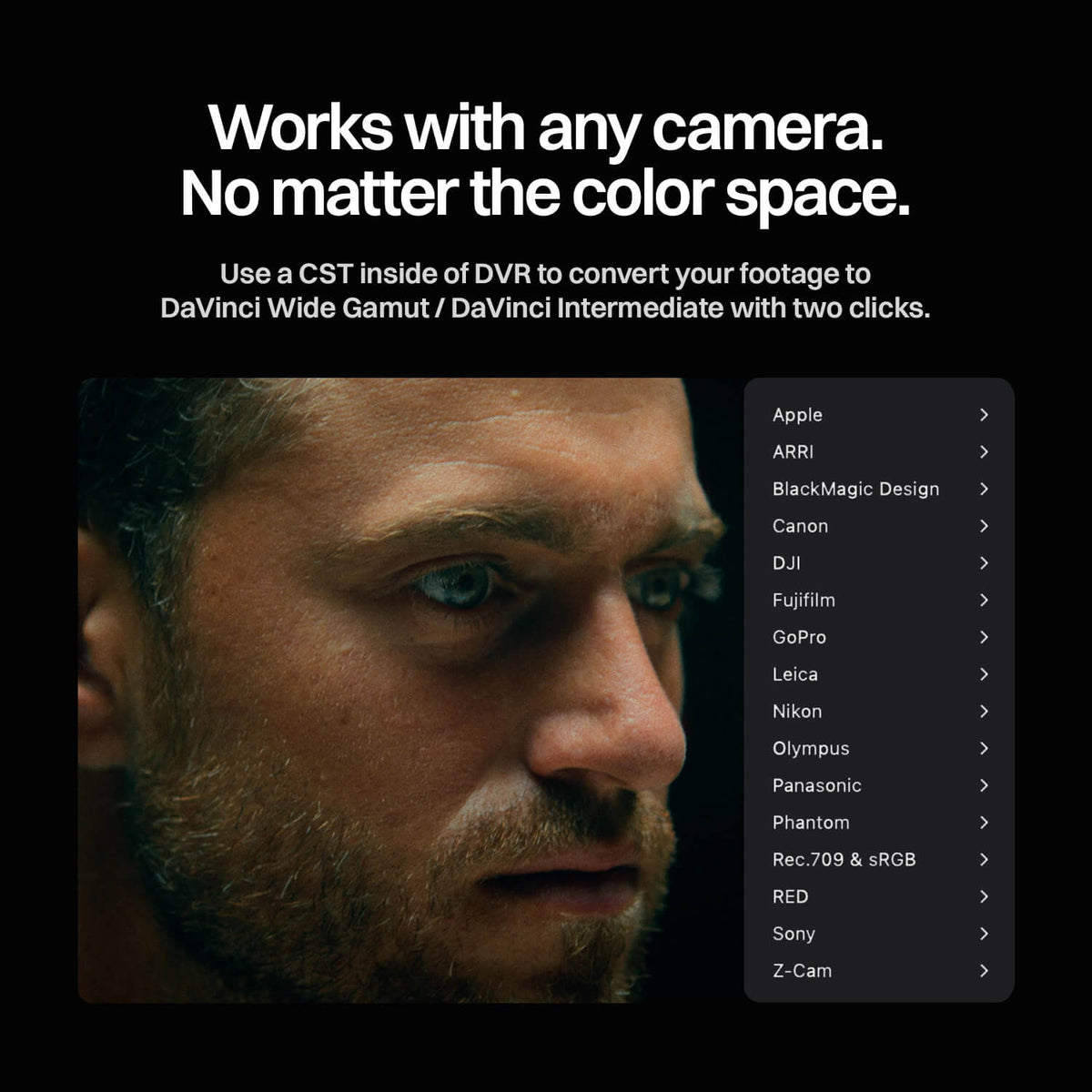
EMUL8 is built to deliver precise film emulation and cinematic color grading for professional filmmakers. It supports a wide range of camera brands and log profiles as well as Rec.709 & sRGB.
With EMUL8 for DaVinci Resolve, you can easily transform your footage using the default colour space transform or use EMUL8’s own color space transforms if your camera is not natively supported.
- Apple Log Rec.2020
- LogC3 ARRI Wide Gamut 3
- LogC4 ARRI Wide Gamut 4
- Film Gen 4 DaVinci Wide Gamut
- Film Gen 5 DaVinci Wide Gamut
- C-Log (BT709, BT2020, Canon Cinema Gamut)
- C-Log 2 (BT709, BT2020, Canon Cinema Gamut)
- C-Log 3 (BT709, BT2020, Canon Cinema Gamut)
- D-Log
- D-Log M
- D-Log 2
- F-Log BT.2020
- F-Log 2 BT.2020
- F-Log 2 C F-Gamut C
- Log
- GP-Log 2 (Mission 1 Series)
- Pro Tune Native
- Ace Pro 2 I-Log
- GO Ultra I-Log
- X4 I-Log
- Luna Ultra I-Log
L-Log (BT709, BT2020)
- N-Log BT2020
- Flat BT709
- OM-Log 400 (BT2020, P3-D65)
- V-Log V-Gamut
- Phantom Log 1
- Phantom Log 2
- Log3G10 RED Wide Gamut
- HLG (1/2/3) BT2020
- S-Log (S-Gamut, S-Gamut3, S-Gamut3.Cine)
- S-Log 2 (S-Gamut, S-Gamut3, S-Gamut3.Cine)
- S-Log 3 (S-Gamut, S-Gamut3, S-Gamut3.Cine)
- S-Cinetone
- Z-Log 2
If you like to use EMUL8 directly on your Rec.709 or sRGB footage, we got you covered.
You may also like: